A living room media area has to hold more than a screen. Remotes, controllers, records, game cases, and the equipment itself all need places that remain easy to use after the room is tidied.
These living room media storage ideas cover the furniture, smaller accessories, and cable routes that support everyday entertainment. Measure your actual equipment, preserve its ventilation and access, and choose storage that fits the way your household uses the room.
1. Choose a TV Console With Cable Openings
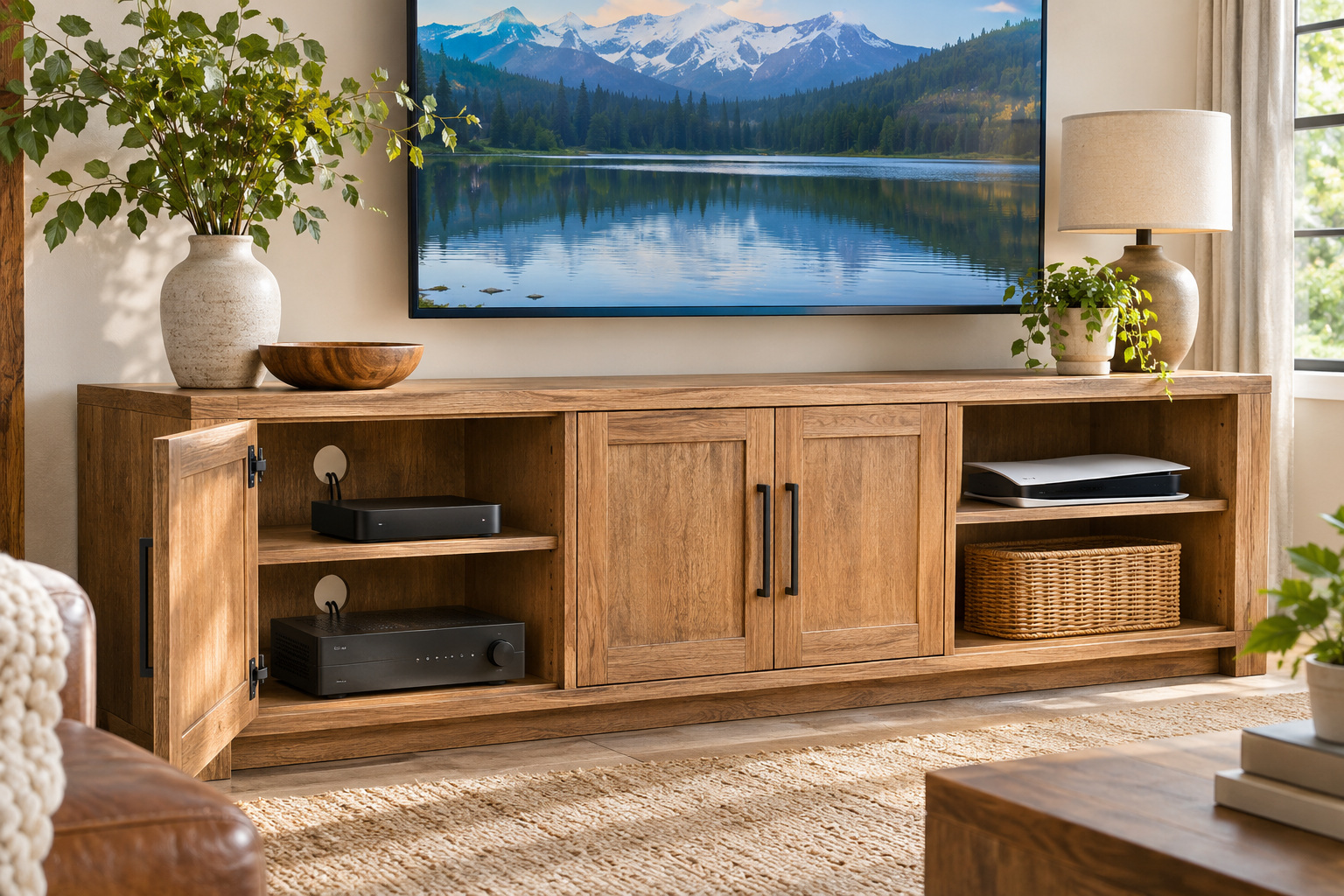
A media console with built-in openings gives connected devices a planned route toward the outlet. Measure the equipment, shelf openings, and cable exits before choosing the furniture.
Keep ventilation and service access as the device instructions require. The openings organize the route; they do not make a crowded or overloaded electrical setup safe.
2. Keep Remotes in a Coffee Table Tray
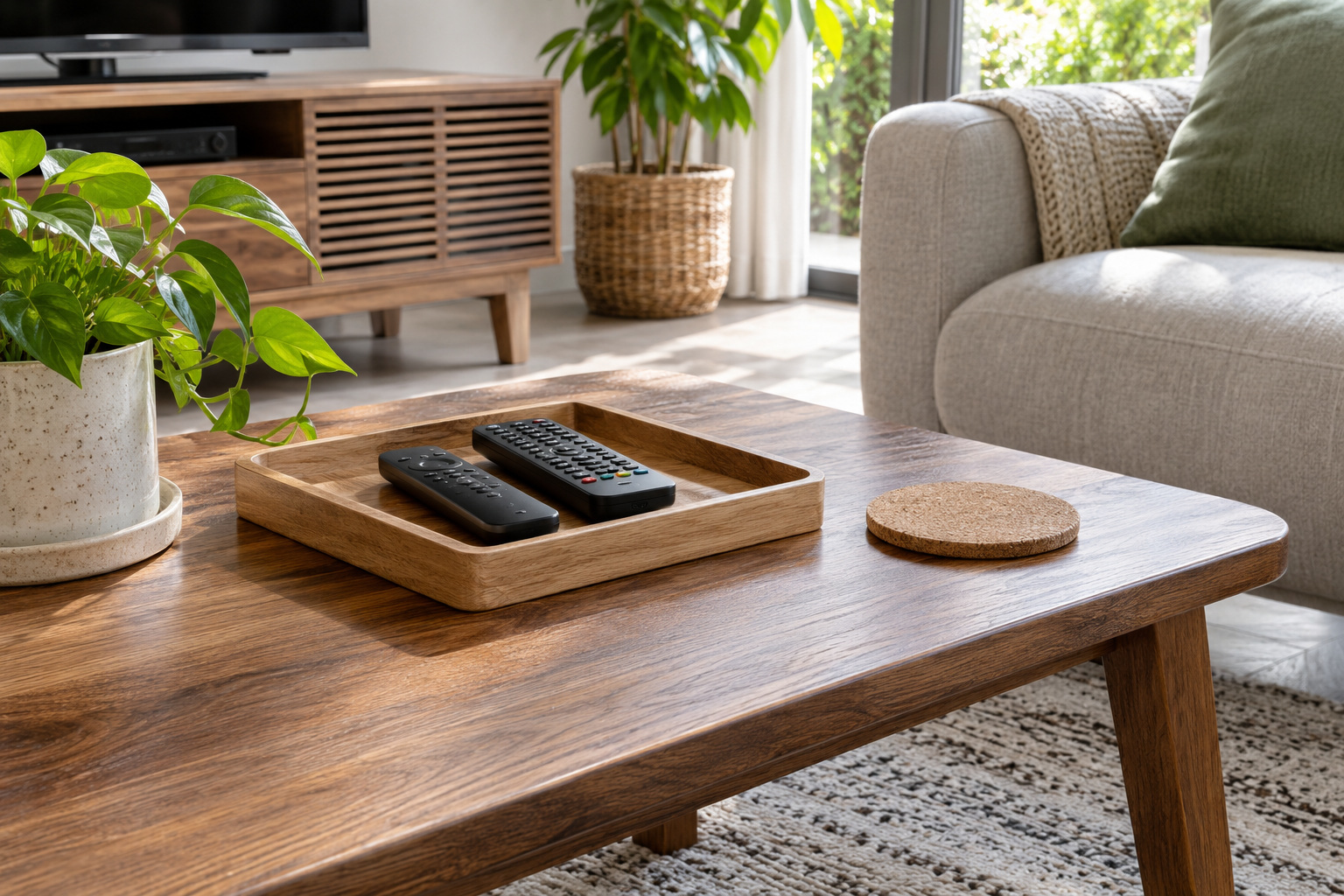
A shallow tray on the coffee table gives the controls used during an evening a visible place to return. Pick a tray with low sides that fits the remotes without claiming the entire surface.
Keep it clear of drink spills and leave room for the table’s other jobs. This is a tabletop solution near the seat, separate from a sofa-table drawer.
For storage behind the seating rather than at the media wall, explore our sofa table ideas.
3. Give Game Controllers a Divided Drawer
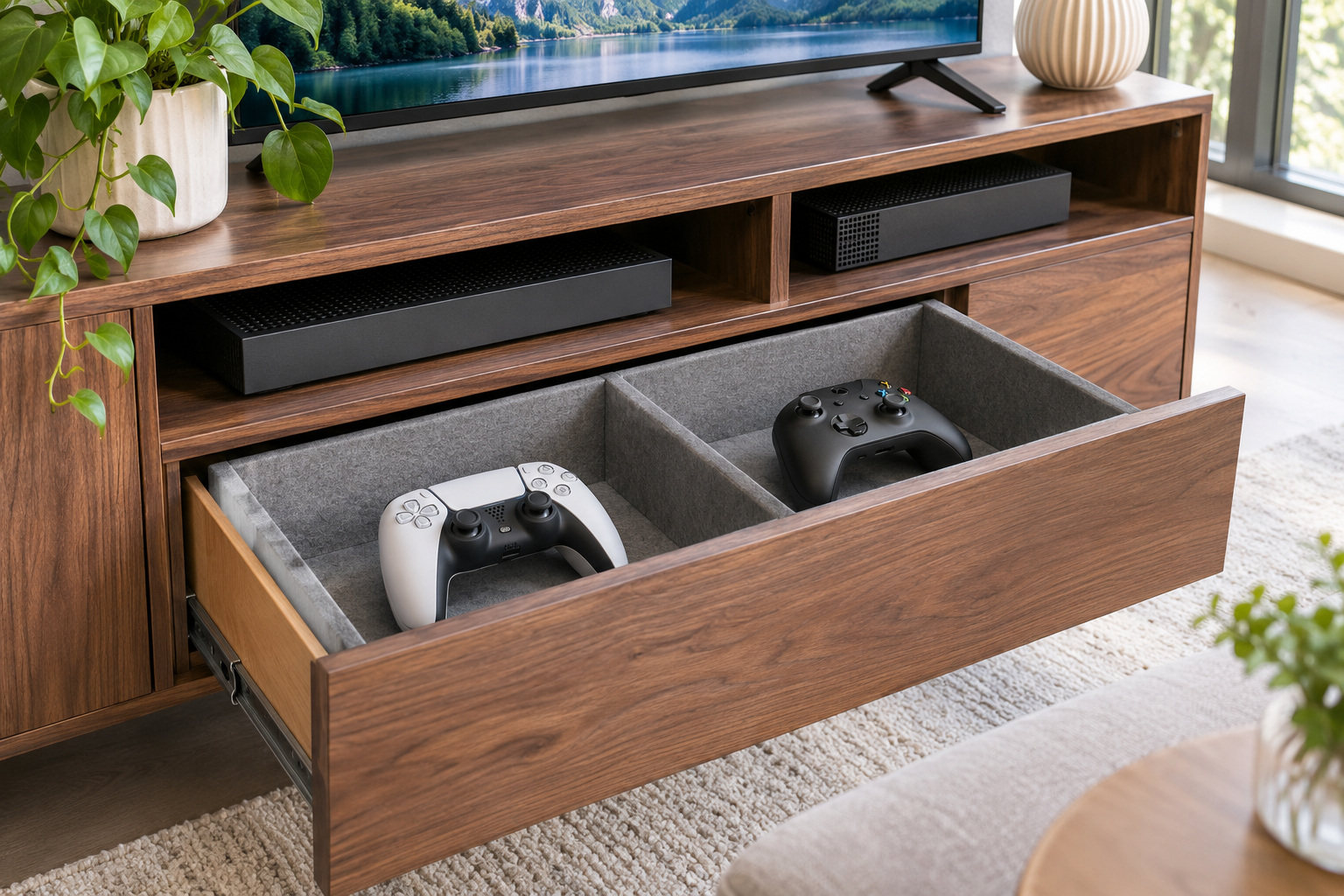
A divided drawer in the media console can hold controllers separately from discs and cables. Arrange each controller so buttons and sticks are not compressed by the drawer above.
Check the drawer height and leave room to lift an item out by its body. Keep devices clean and dry and follow the maker’s battery and charging instructions.
4. Leave an Open Shelf for Ventilated Equipment
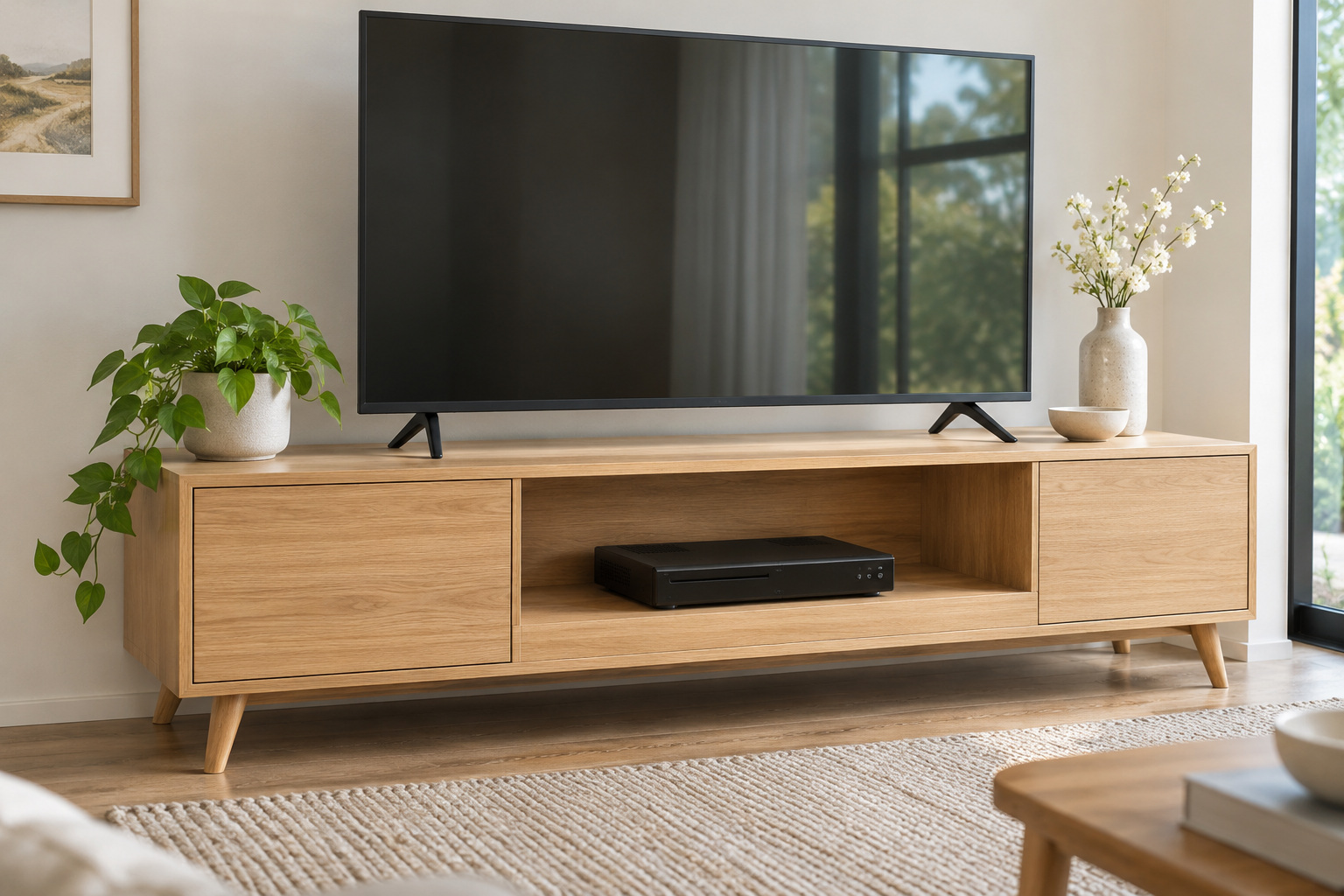
An open shelf makes it easier to see and reach the media box used most often. Choose furniture deep enough for the device and its connections without pushing the unit against the back.
Follow the device maker’s airflow and clearance requirements on every side. Do not cover vents or stack other equipment directly on top unless the manufacturer permits it.
5. Stand Video Games Upright in a Bin
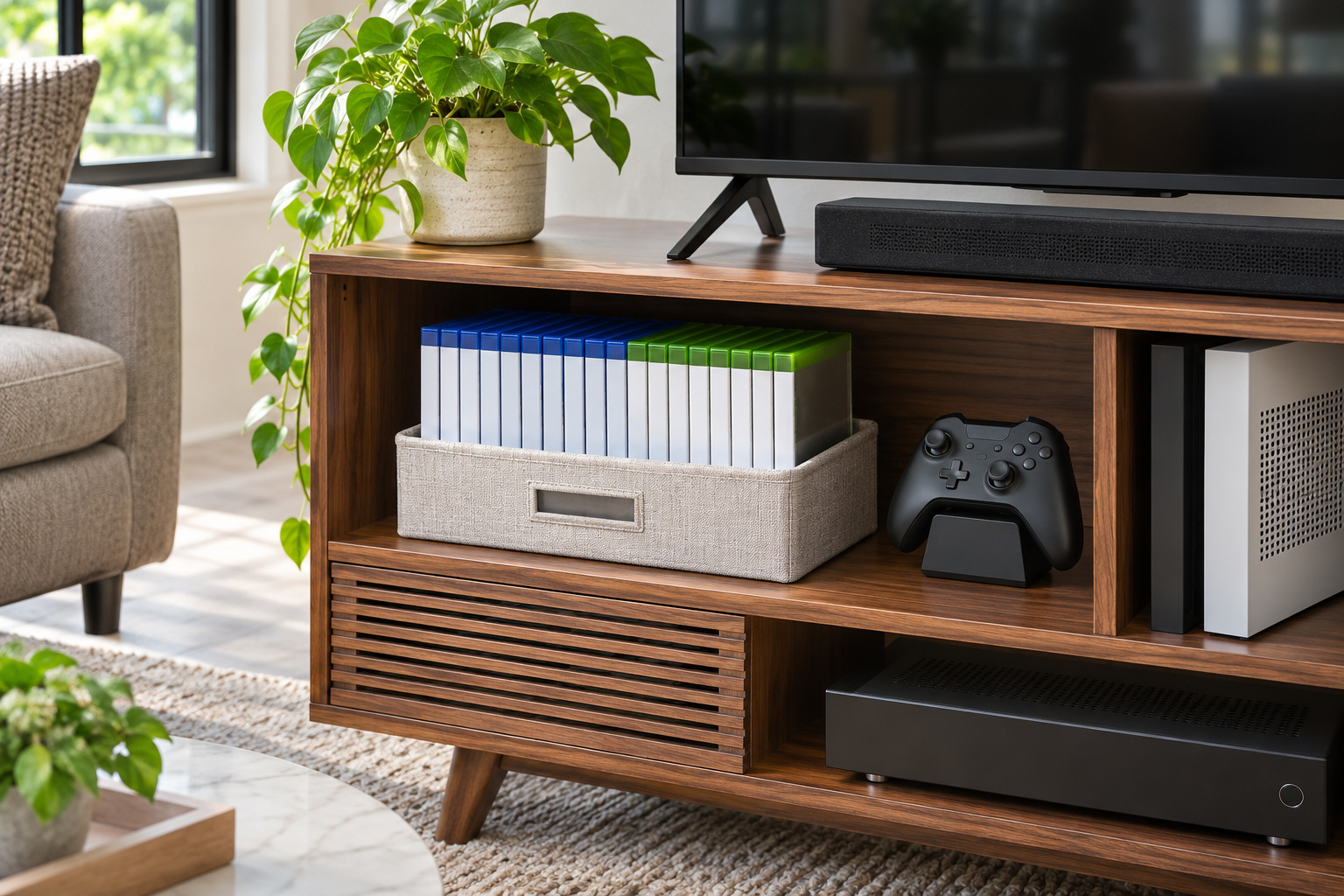
An open bin sized for game cases lets the cases stand with their spines visible. Group the games currently in use so the bin can be lifted out without sorting a whole cupboard.
Choose a smooth bin that supports cases without bending them. Store it on a shelf designed for the load, and leave room to replace a case after play.
6. Use a Low Crate for Vinyl Records
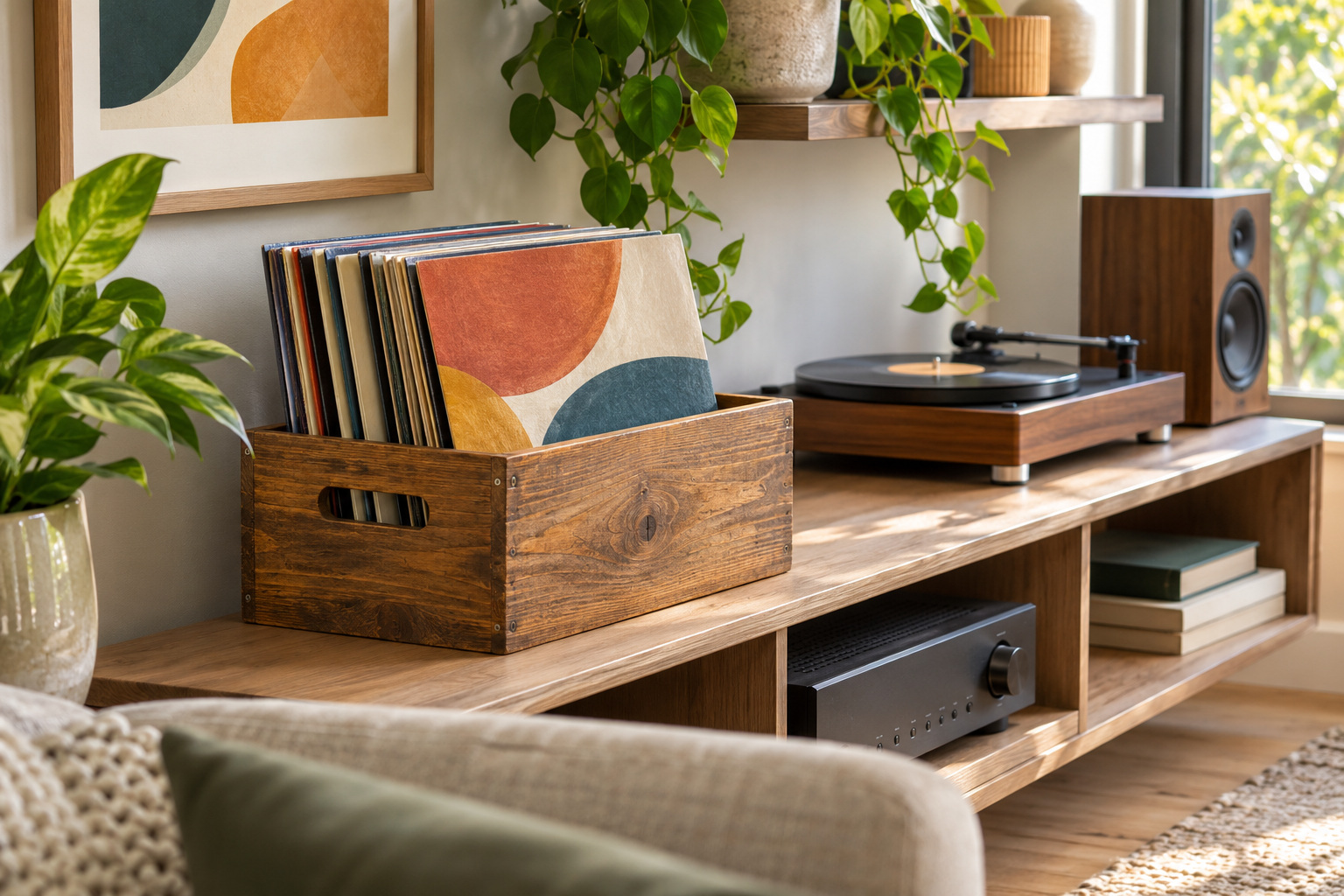
A sturdy crate on a low shelf can keep records upright near the listening area. Choose a container that supports the sleeves fully and lets you browse without forcing them apart.
Keep records away from direct heat, moisture, and sun, and follow the storage guidance for your collection. Check that the furniture supports the combined weight.
7. Hang Headphones on a Side Hook
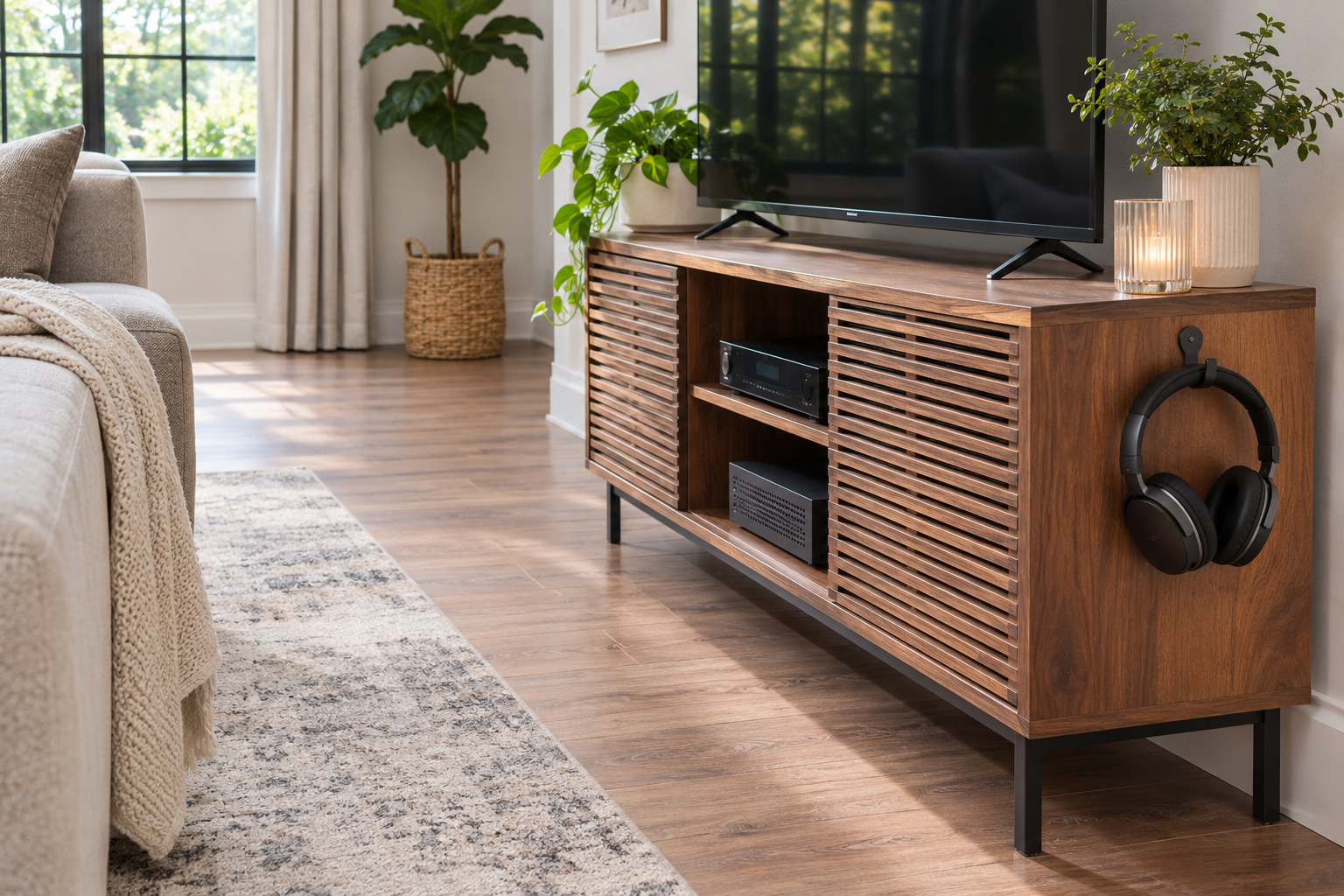
A purpose-made headphone hook on the side of a media unit can keep a frequently used pair off the sofa. Place it where the hook and headphones do not project into a walking route.
Use a fixing suitable for the furniture and follow its load guidance. Keep the cable loosely routed and avoid hanging a headset where it can catch a door or drawer.
8. Keep Manuals in a Slim File
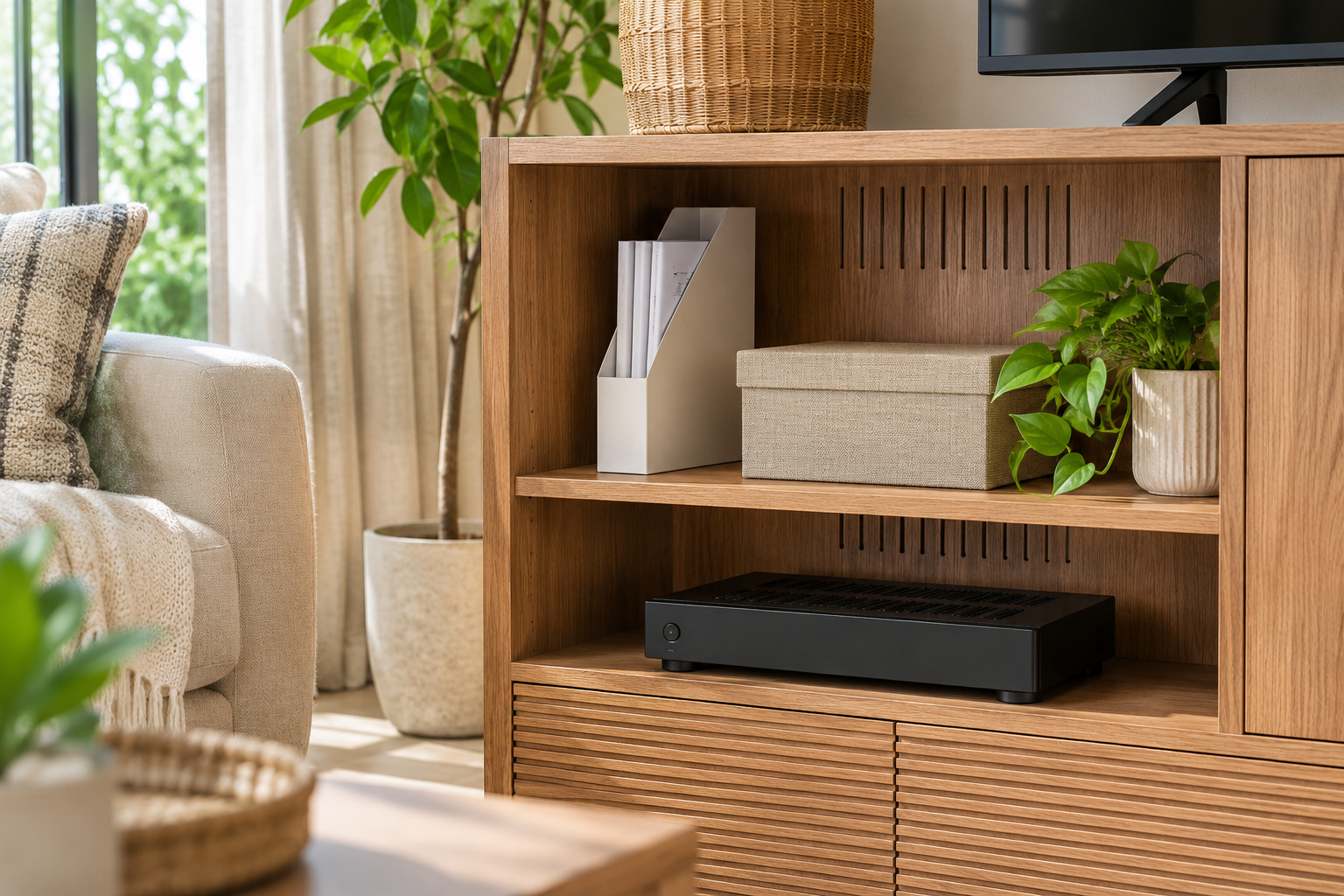
A slim file can hold the printed instructions and warranty information you choose to keep for living room equipment. Store papers together away from active electronics and heat.
A small file on an accessible shelf is easier to check than a stack behind the television. Remove documents for equipment you no longer own.
9. Separate Spare Cables in Small Bins
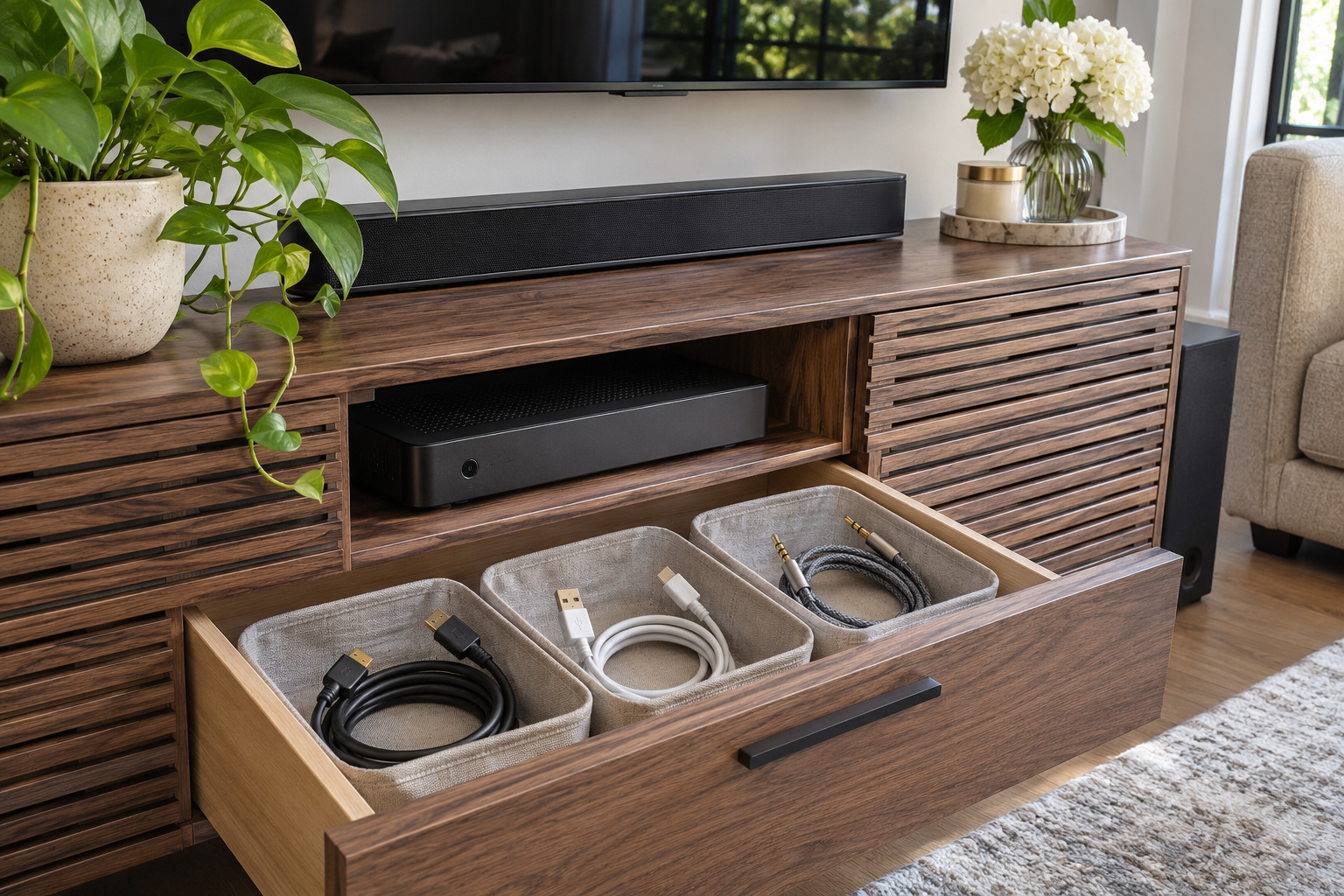
Small bins can keep spare, disconnected leads grouped by device so they are easier to identify. Coil each disconnected cable loosely and avoid tight bends at the connector.
Store only disconnected accessories in the bins. Follow equipment instructions for charging cables and keep damaged cords out of service.
10. Give the Soundbar a Proper Shelf
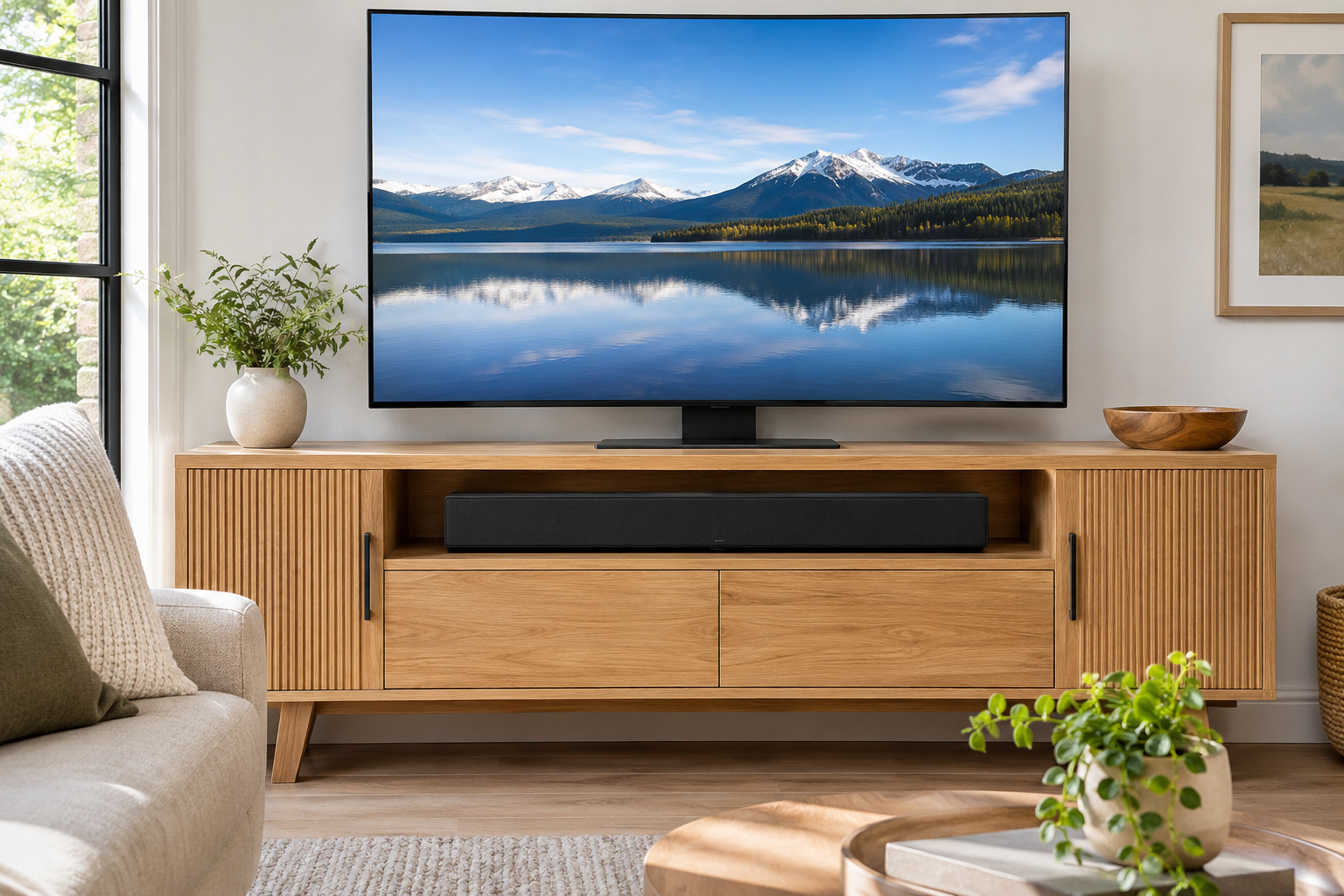
A shelf sized for a soundbar keeps the speaker aligned with the screen while making the furniture feel organized. Confirm the unit fits without covering controls, sensors, or vents.
Follow the soundbar and television instructions for placement and support. Make sure the shelf remains clear of objects that would interfere with the device.
11. Store Board Games in a Pull-Out Basket
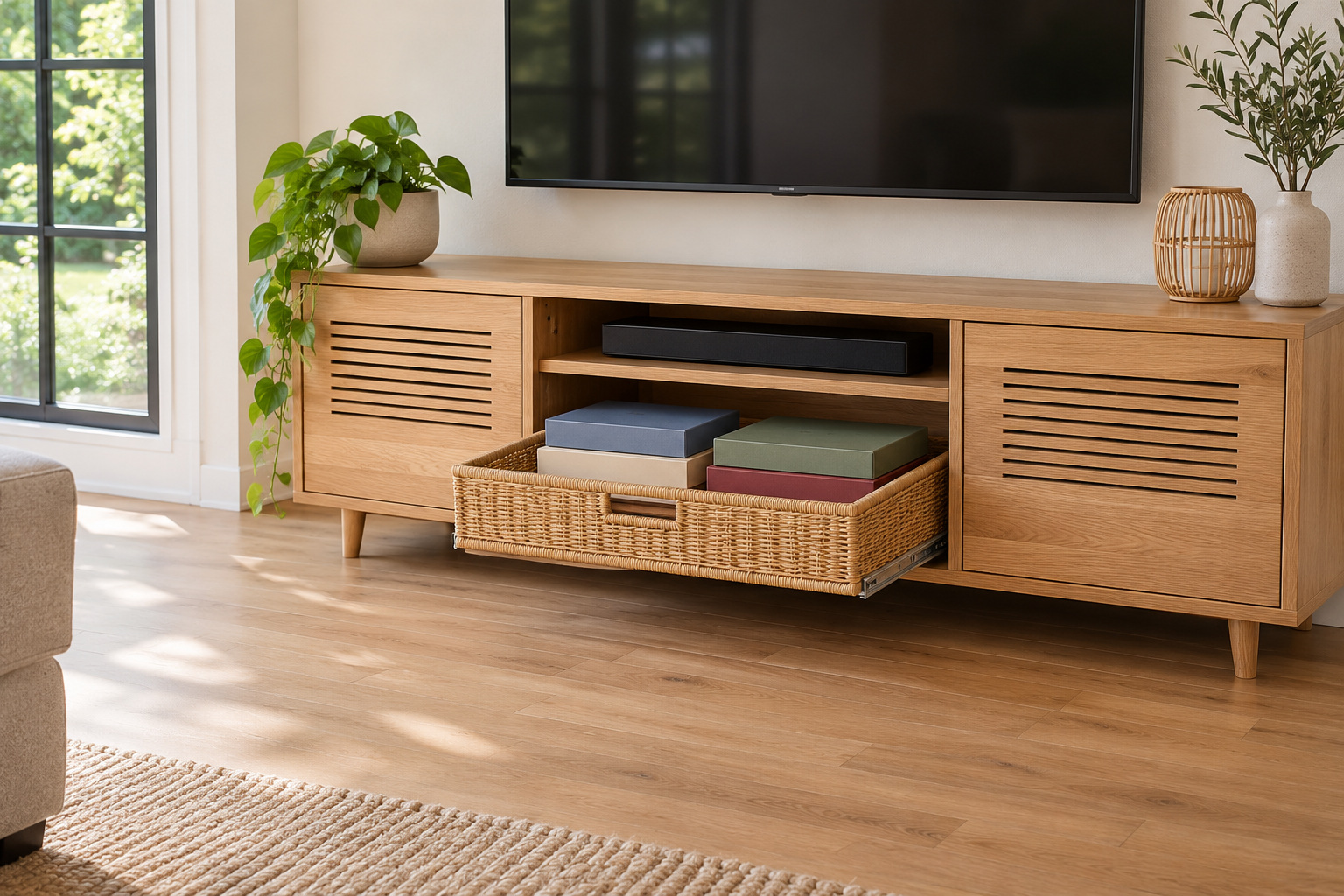
A pull-out basket in a low cabinet brings a small group of board games into view at once. Stand boxes or stack them flat according to their size and weight.
Use a basket and runners suitable for the load, and test the open position against the room’s walking route. Keep electronic equipment on a separate ventilated shelf.
12. Choose a Narrow Media Unit for a Small Room
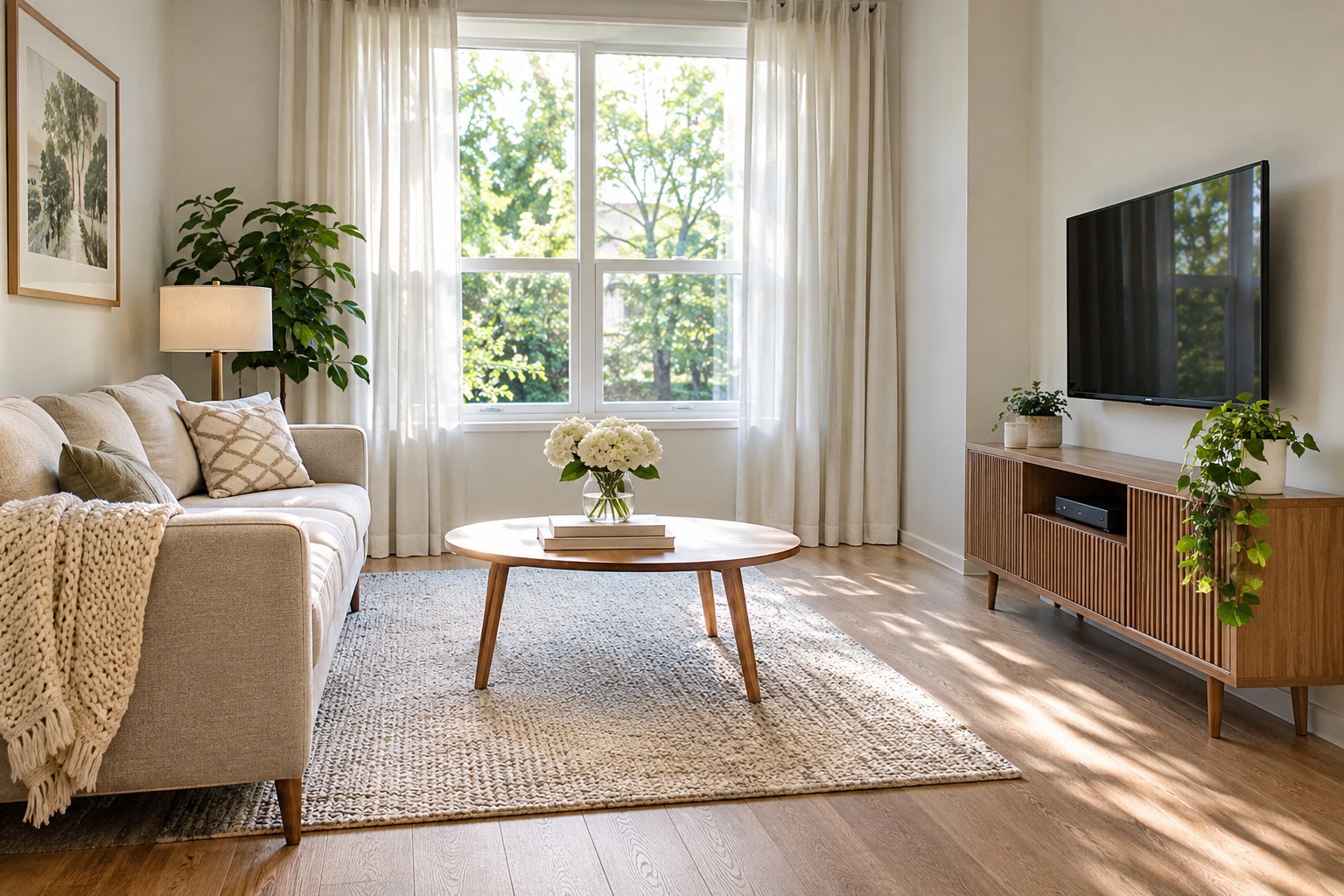
A shallow media unit can reduce the furniture’s intrusion into a small seating area. Measure the largest device and the space needed for its cables rather than choosing by exterior width alone.
Check door opening and the path past the unit. If the equipment cannot fit with its required ventilation, use a deeper suitable cabinet or keep that device elsewhere.
13. Sort Discs in a Closed Drawer
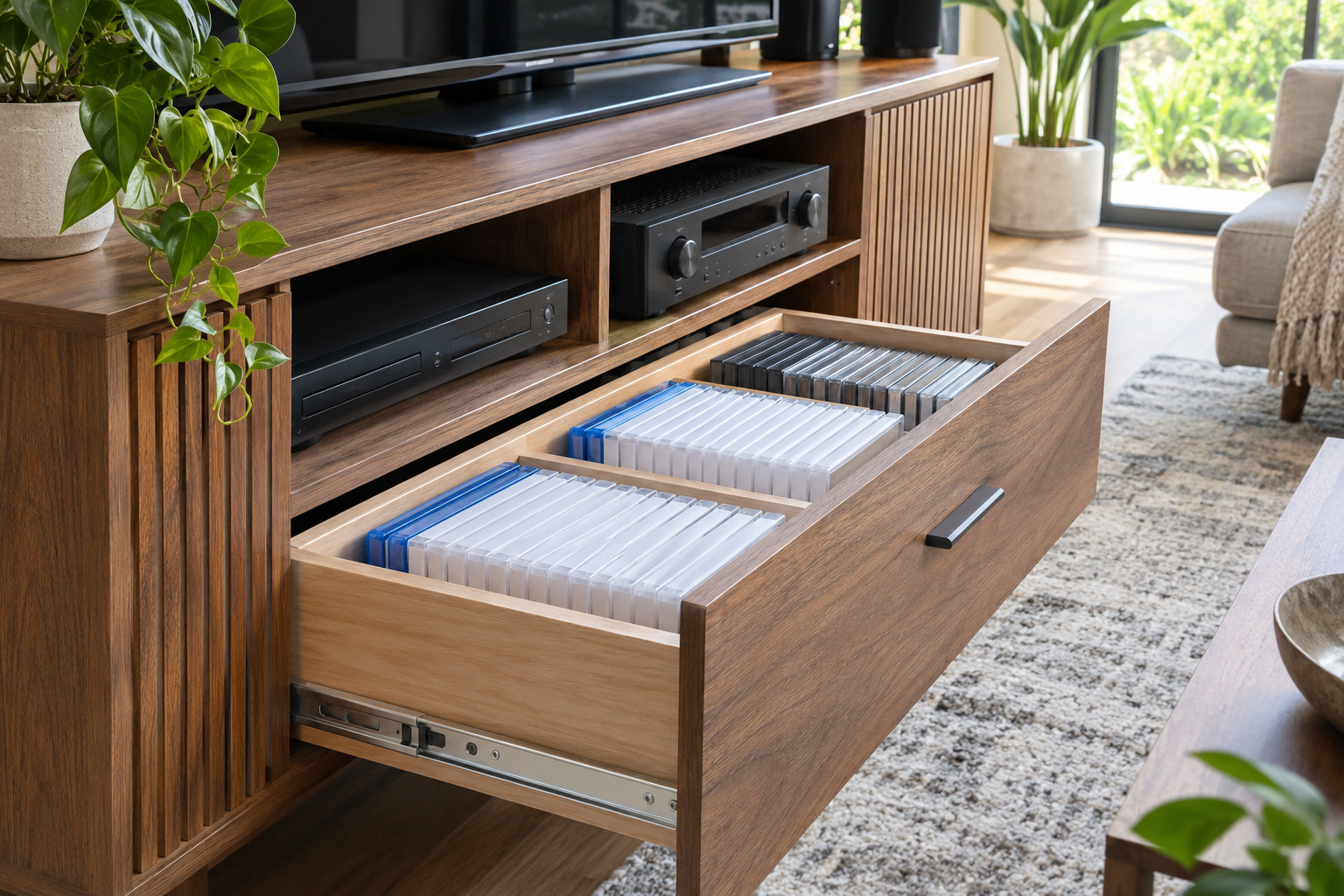
A closed drawer can hold the discs you still use without putting every case on display. Use dividers or sleeves suitable for the collection so individual items can be found without lifting a stack.
Keep the drawer dry and avoid overfilling it. Leave enough space for the drawer to slide freely and for cases to be returned after use.
14. Use Adjustable Shelves for Changing Equipment
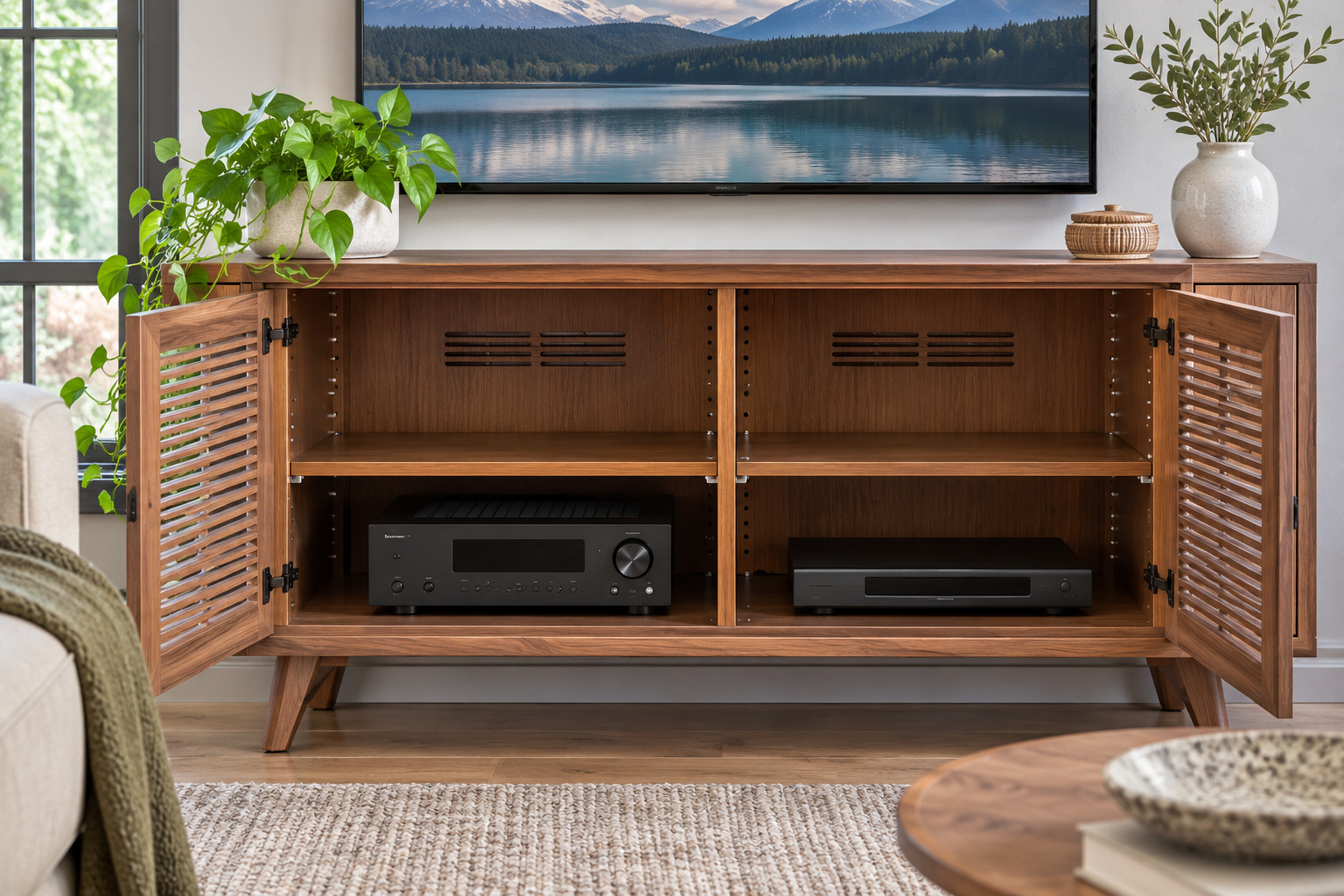
Adjustable shelves let the media unit accommodate a taller component today and a different setup later. Set shelf heights around the actual devices and their required clearance.
Follow the furniture’s shelf-pin and load instructions, and make sure equipment cannot slide off when connections are reached. Adjustable spacing does not replace ventilation.
15. Add a Remote Holder to the Sofa Arm
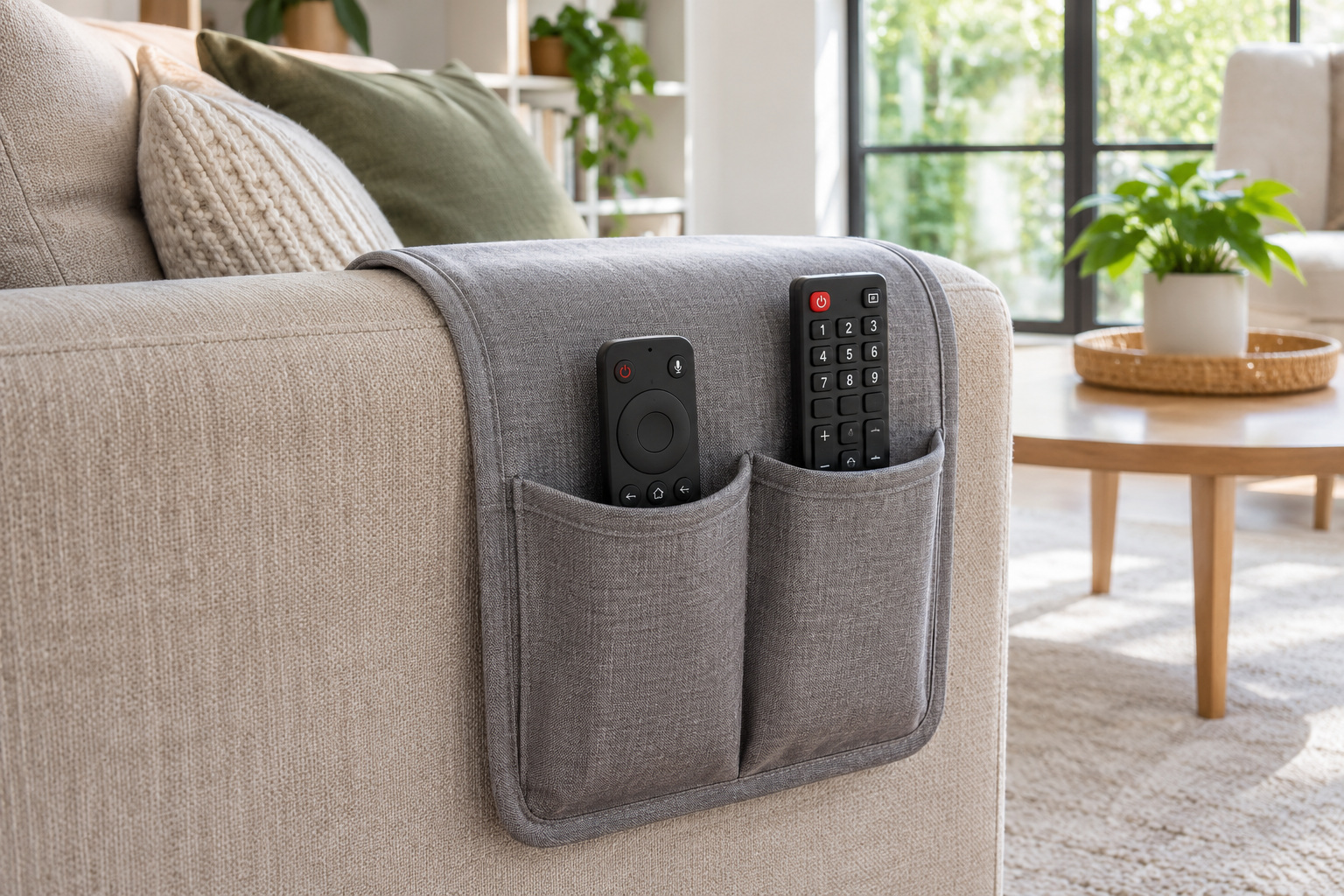
A purpose-made armrest holder can keep one or two remotes beside a favorite seat when a coffee table is out of reach. Choose a design that fits the arm without sliding into the seating area.
Try the holder with the actual controls and keep its pockets light. Remove it if it interferes with comfort, upholstery care, or the way someone gets up.
16. Create a Dedicated Turntable Surface
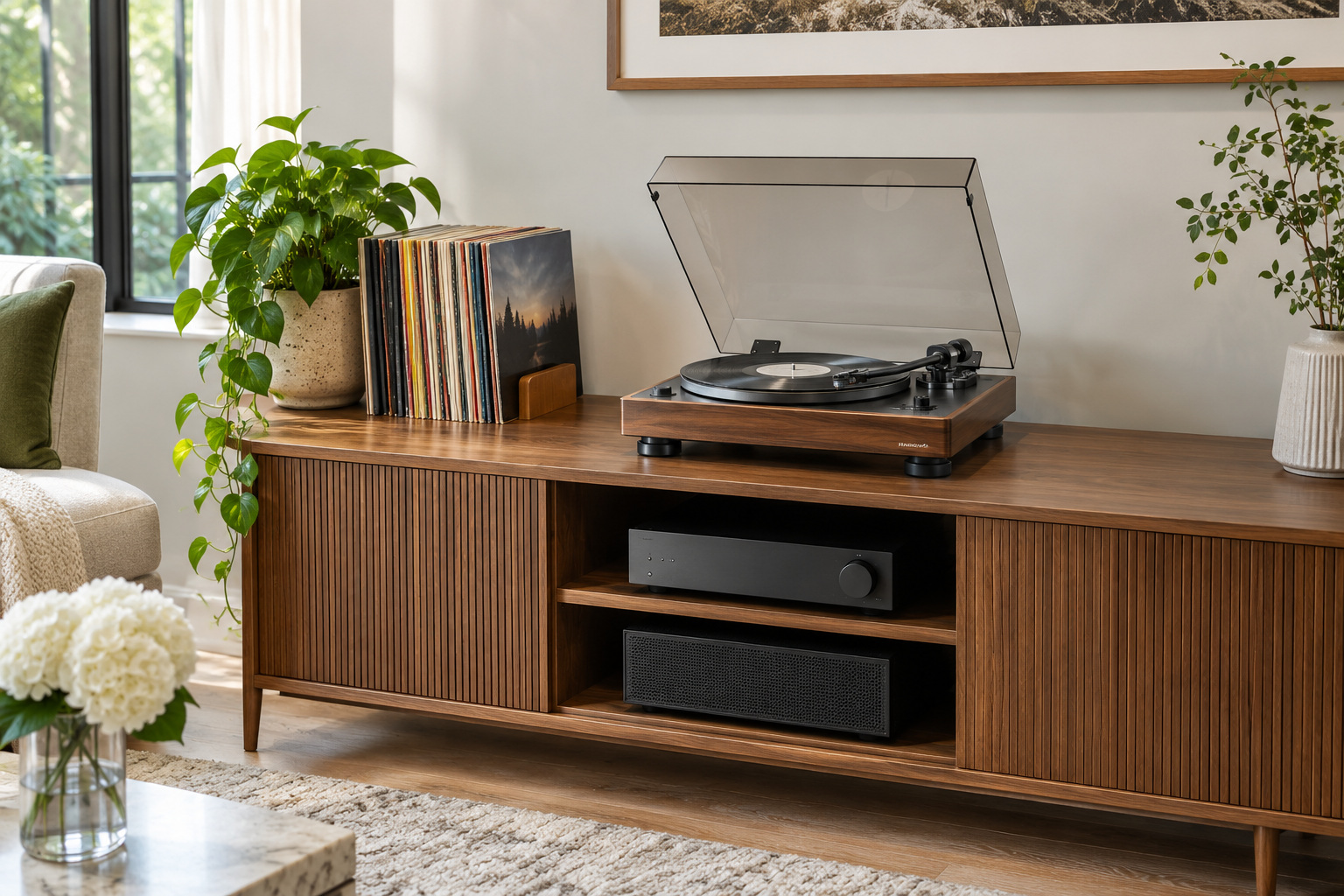
A stable surface near record storage gives a turntable a place of its own. Choose furniture with sufficient depth and follow the equipment instructions for support and connections.
Leave room to open the cover and handle records without touching nearby decor. Keep connected components ventilated and cords away from the walking path.
17. Give Children a Reachable Media Bin
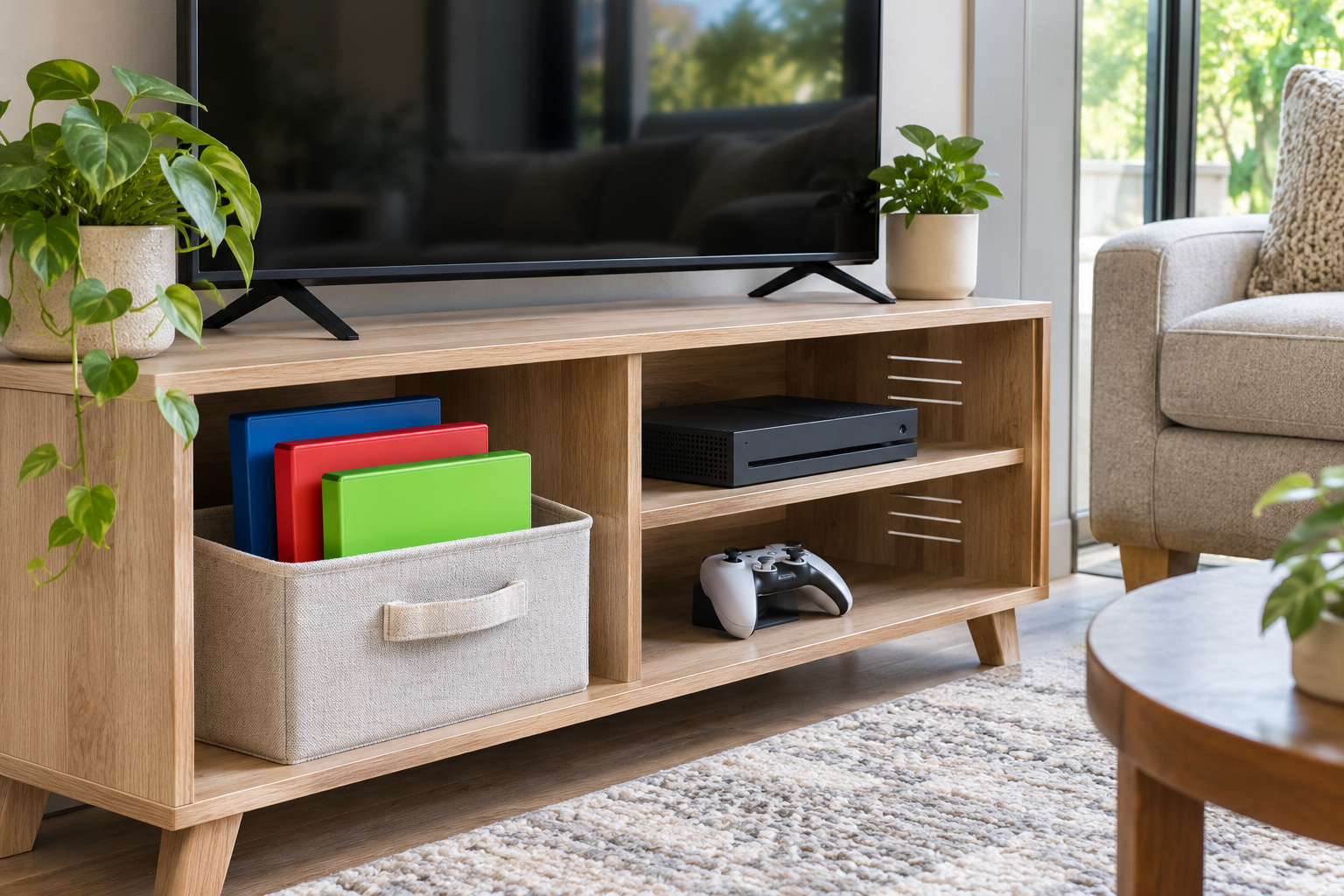
A low bin can keep the cases and accessories children use within a defined area. Choose a lightweight container that can be lifted safely and returned without moving the television equipment.
Select contents and hardware appropriate to the household. Keep small loose parts, batteries, and cords separately where necessary, and avoid loading a bin beyond its intended use.
18. Plan the Cable Route Behind the Furniture
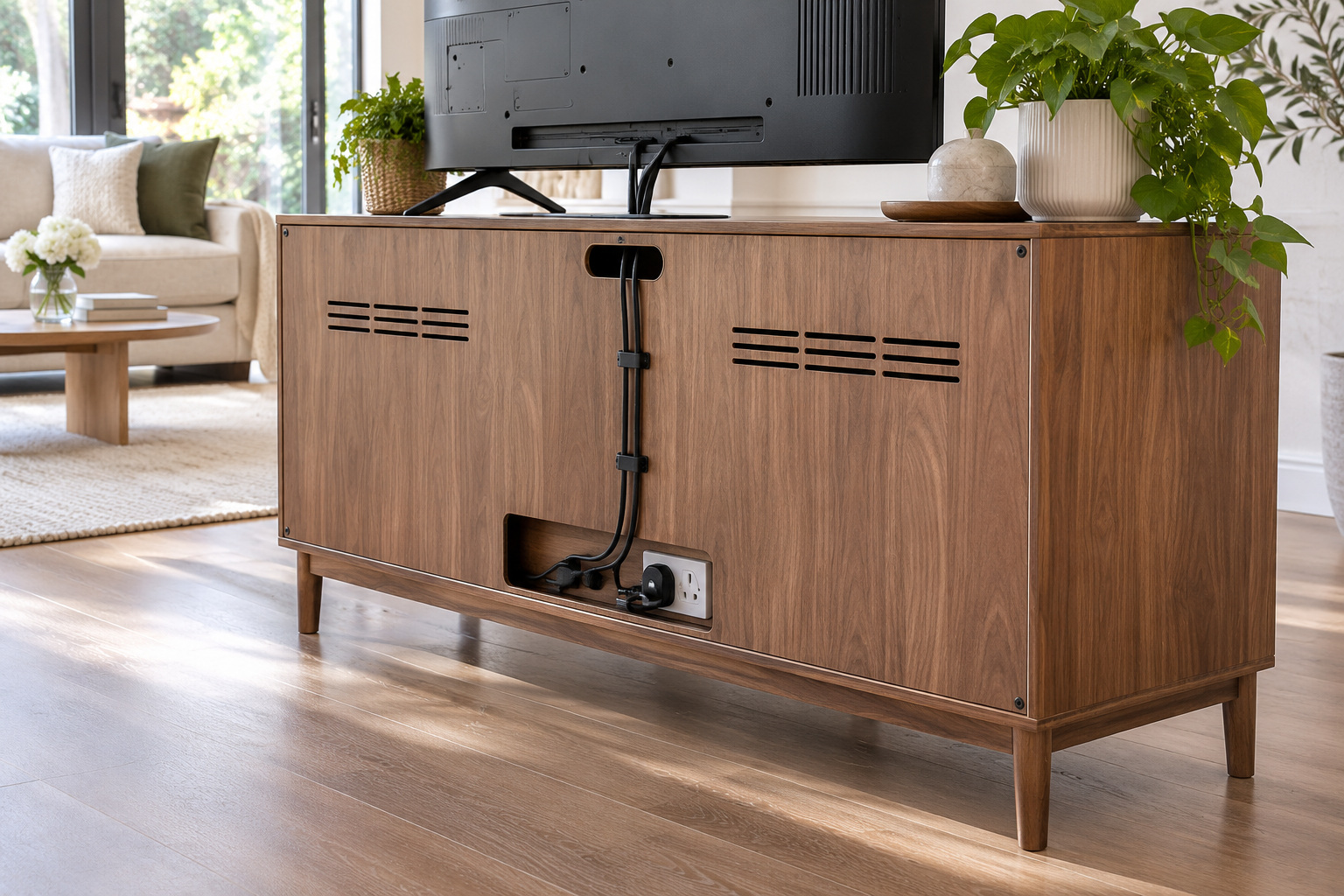
A deliberate cable route can keep the floor behind the media unit easier to clean and maintain. Use the furniture’s intended openings and suitable cable guides to group cords without sharp bends.
Keep plugs accessible, equipment ventilated, and cords undamaged. Never run extension cords under rugs or conceal a connection in a way that prevents inspection; follow all manufacturer instructions.
Start with the equipment and activities your room uses most often, then give each one an accessible place. A ventilated shelf, a small remote tray, and separate storage for games or records can work together without making the seating area feel like an electronics closet. Check the open furniture, walking route, and manufacturer instructions before settling the layout.
Discover more from HomeTrendora
Subscribe to get the latest posts sent to your email.