A video game room can feel cramped when controllers cover the desk, glare hides the screen, or the second chair blocks the way out. These 20 video game room ideas help you decide what to change first, from a one-desk setup to a shared lounge with room for guests.
Start with the games you play most, how many people play, and when you use the room for other things. A small setup can be comfortable if the screen, seat, and equipment fit the way you use it.
1. Fit the Screen and Main Seat Before Styling the Room
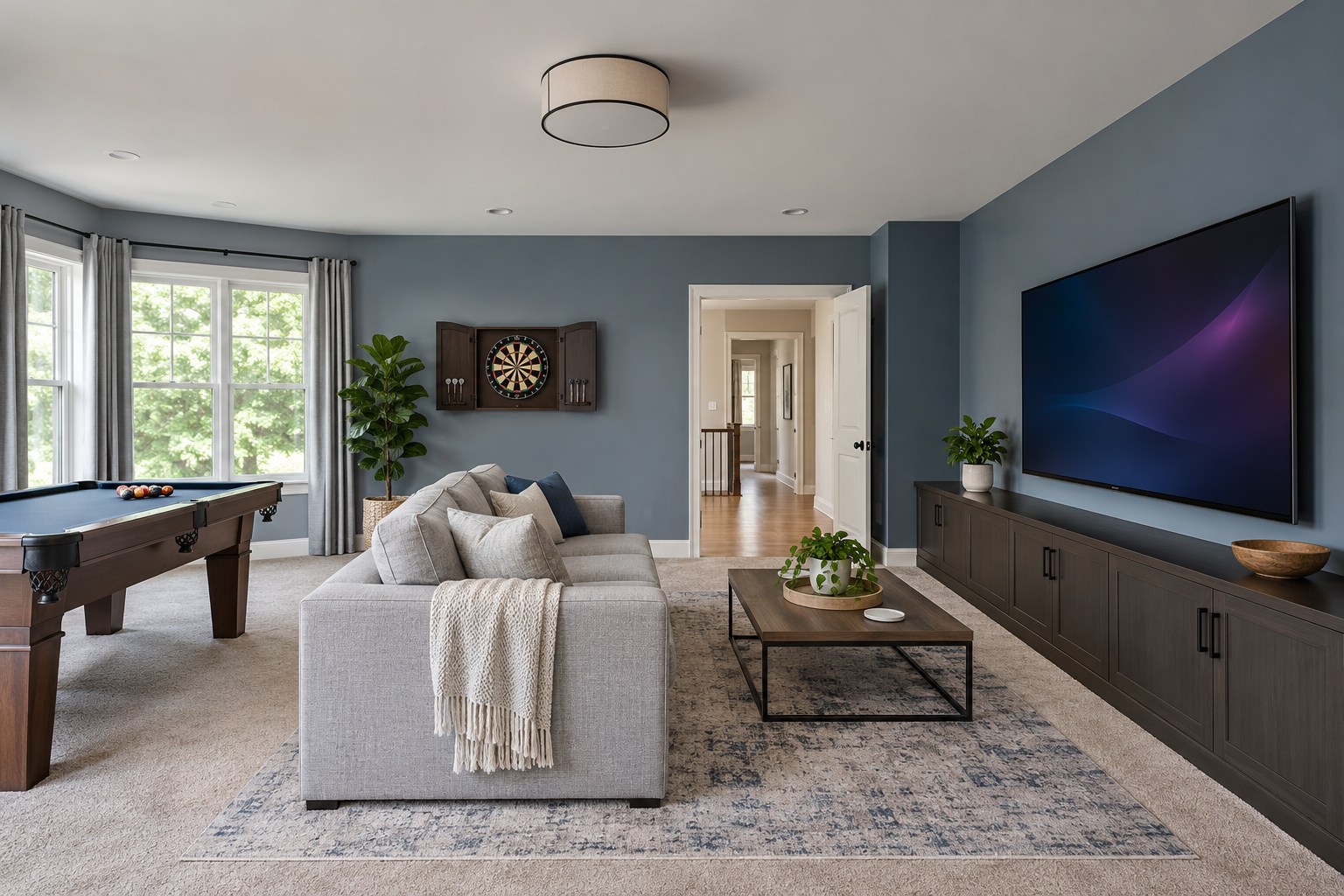
Put the chair or sofa where you can see the entire screen without twisting. Check the view from your actual seated height. A TV that works for a sofa may sit too far away for a desk chair, while a desk monitor can feel crowded in a shared room. Test the placement with one of the games you play often and see whether you can read small text comfortably.
Once the screen and seating are set, walk the route to the door. Compare the space with seats pulled out and cabinet doors open. These small apartment decor ideas show how to keep the main route open when seating has to serve several purposes.
HOMETRENDORA PLANNING BUNDLE
Turn the ideas you like into a room plan.
Choose what to keep, check what will fit and decide what to buy first. The Home Design Book, fillable room planner and budget tracker guide you through those decisions with worked examples and practical checks.
160-page PDF + fillable room planner + Excel budget tracker
Bonuses included with your eBook purchase.
GRAB 10% DISCOUNT
Coupon code: HOMETRENDORA10
Use this code at Payhip checkout.
2. Put Controllers on a Wall-Mounted Pegboard Beside the Desk
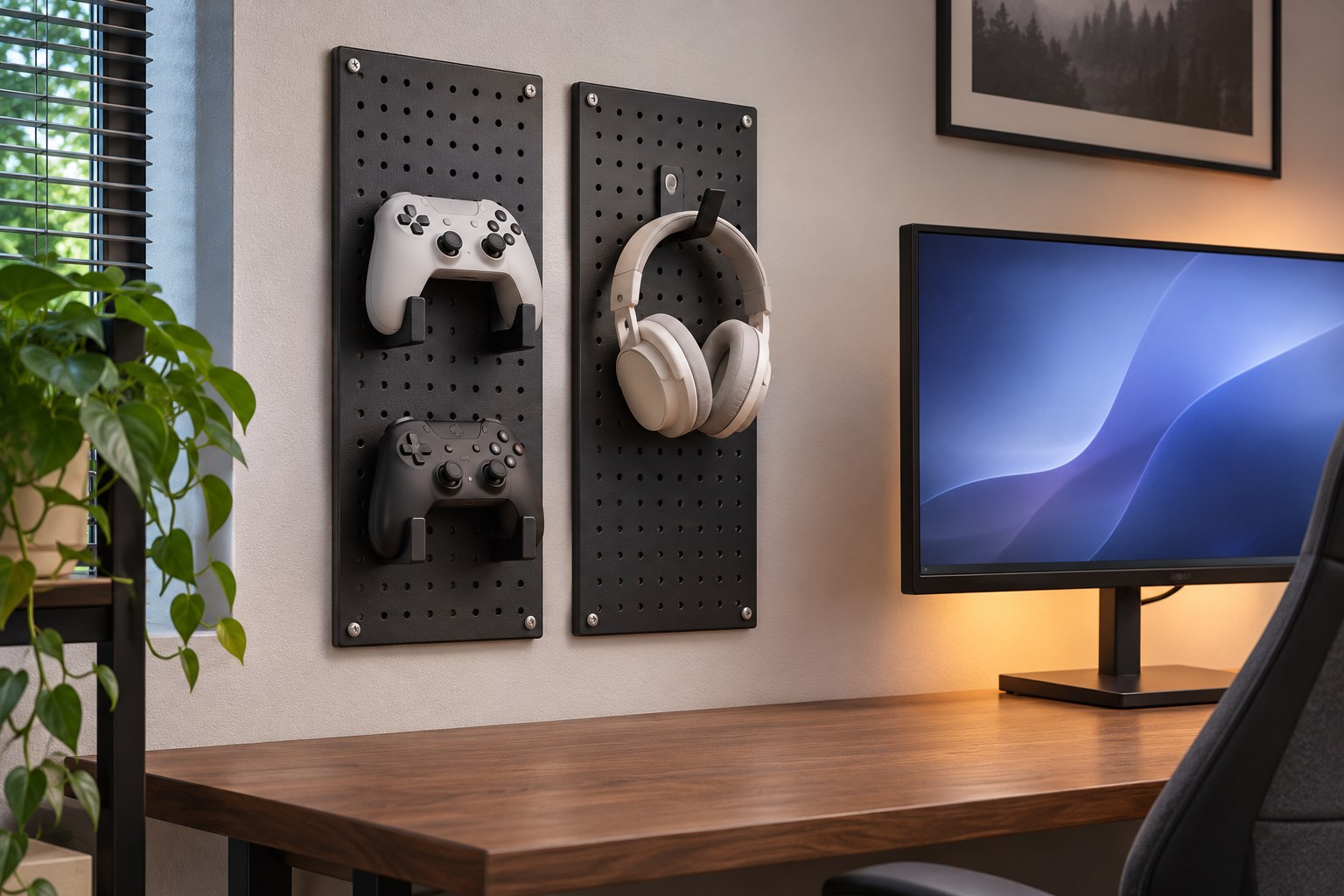
Choose the part of the wall you can reach from the chair without leaning across the monitor. Lay out controller cradles and any headphone hook on paper first. Leave space around each piece so a trigger or cord does not snag when you lift it. A pegboard next to a small desk can leave the whole work surface free for a keyboard or notebook.
Use panel hardware suitable for the wall and accessories that fit the panel and hold the equipment securely. Follow the board and hook load directions, and keep charging cords organized according to the devices’ instructions.
The Wall Control black steel pegboard pack can give small gaming accessories a visible home. Choose hooks that hold each piece securely and follow the manufacturer’s mounting directions.
Discover Wall Control black steel pegboard pack (paid link)
3. Give Window Glare a Test Before Choosing the Wall Color
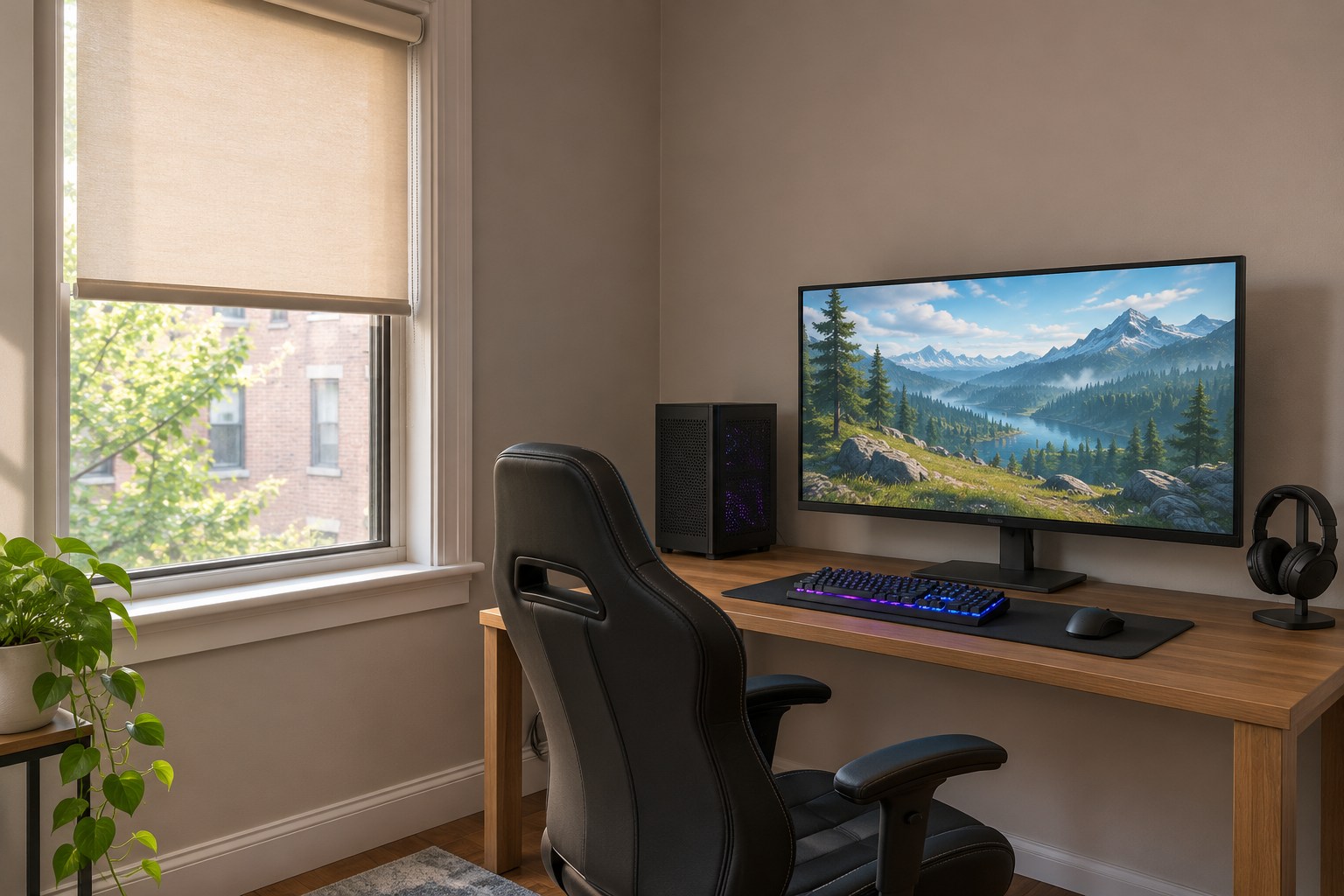
Sit down when the room gets its strongest daylight and watch for a window or fixture reflected in the screen. Change the angle of the monitor or the seating a little. Try the shade you already have before adding more layers. A darker wall will do little for a window that is still reflecting straight across the display.
Use a covering that can stay clear of vents and still be opened and operated easily. Check how the room feels when the screen is off too. A muted wall behind the display can frame it without making the rest of the room hard to use.
4. Work a Dark Game Den Around One Muted Color
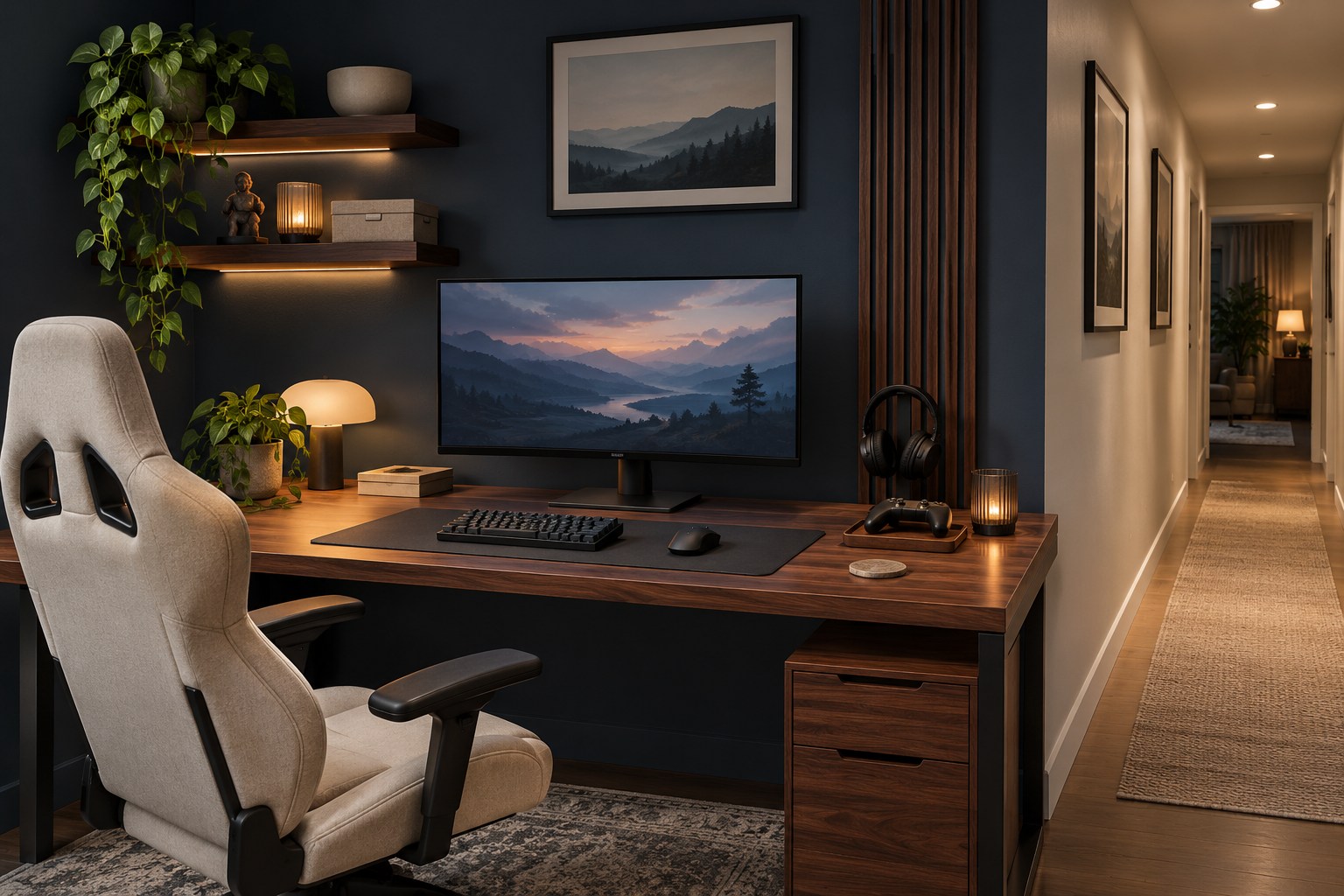
A single muted shade can give the room a den feel without taking light from every surface. Try deep slate blue or olive on the screen wall, with a lighter finish where you sit or work. Look at a sample under the lights you already use. A nearly black shade may lose the outline of the screen and shelf at night.
Keep the edges of the room and the way to the door easy to see. A warm wood top and light chair fabric can make the dark wall feel deliberate. Start with the wall you see most from the doorway.
5. Start a Retro Arcade Corner With One Cabinet
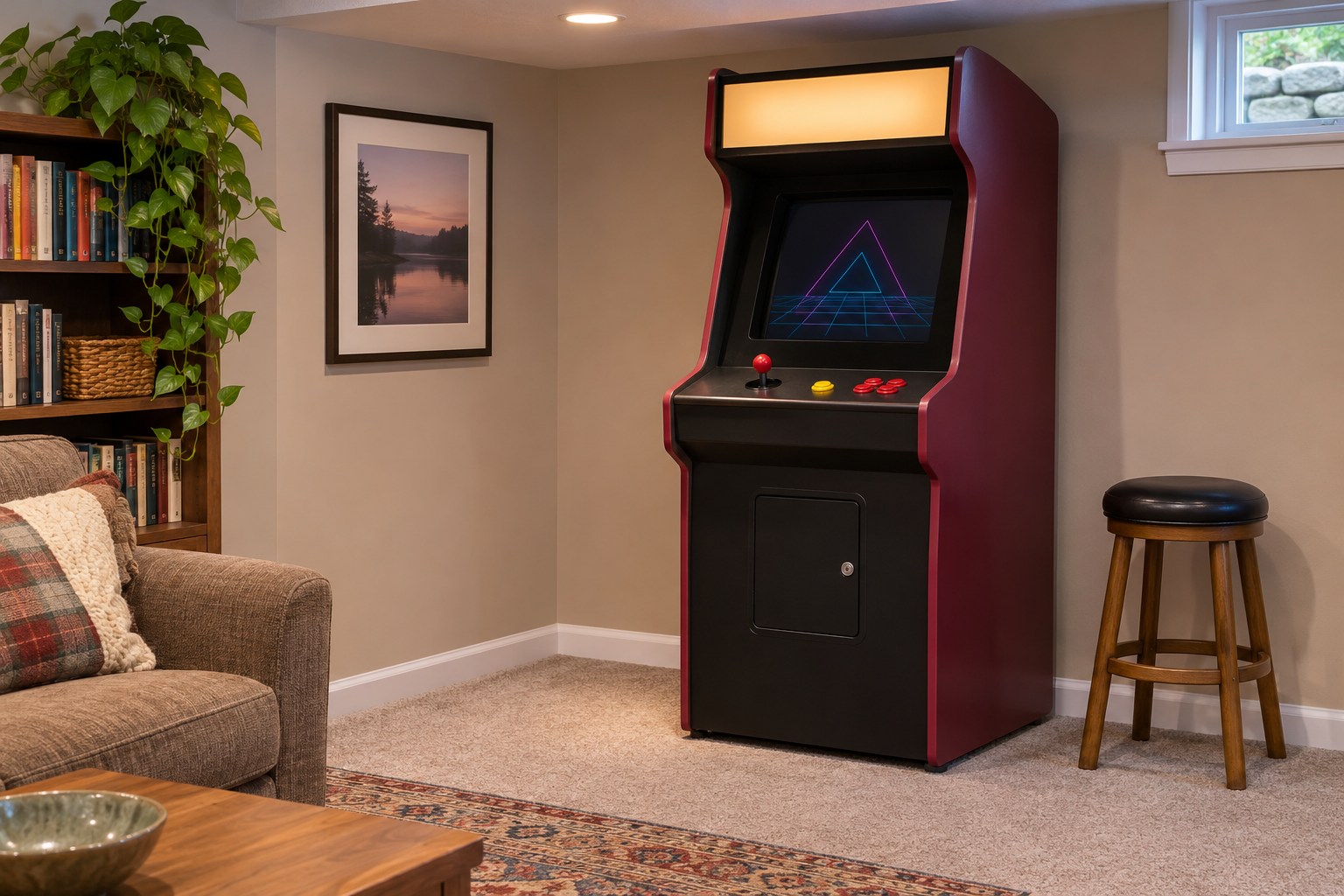
Put a single arcade cabinet where someone can stand in front of it without being on the main route. Measure the cabinet footprint and your standing area. If it needs service access at the back, allow for that in your plan. A little contrast behind the cabinet can give it a clear outline without making the room feel like a hallway of machines.
Check the cabinet’s power, placement, and stability instructions. A wood stool off to the side can give someone a place to wait. Try a small graphic in the room’s palette before adding a second cabinet or a larger display.
6. Use a Pale Desk and One Pastel Accent
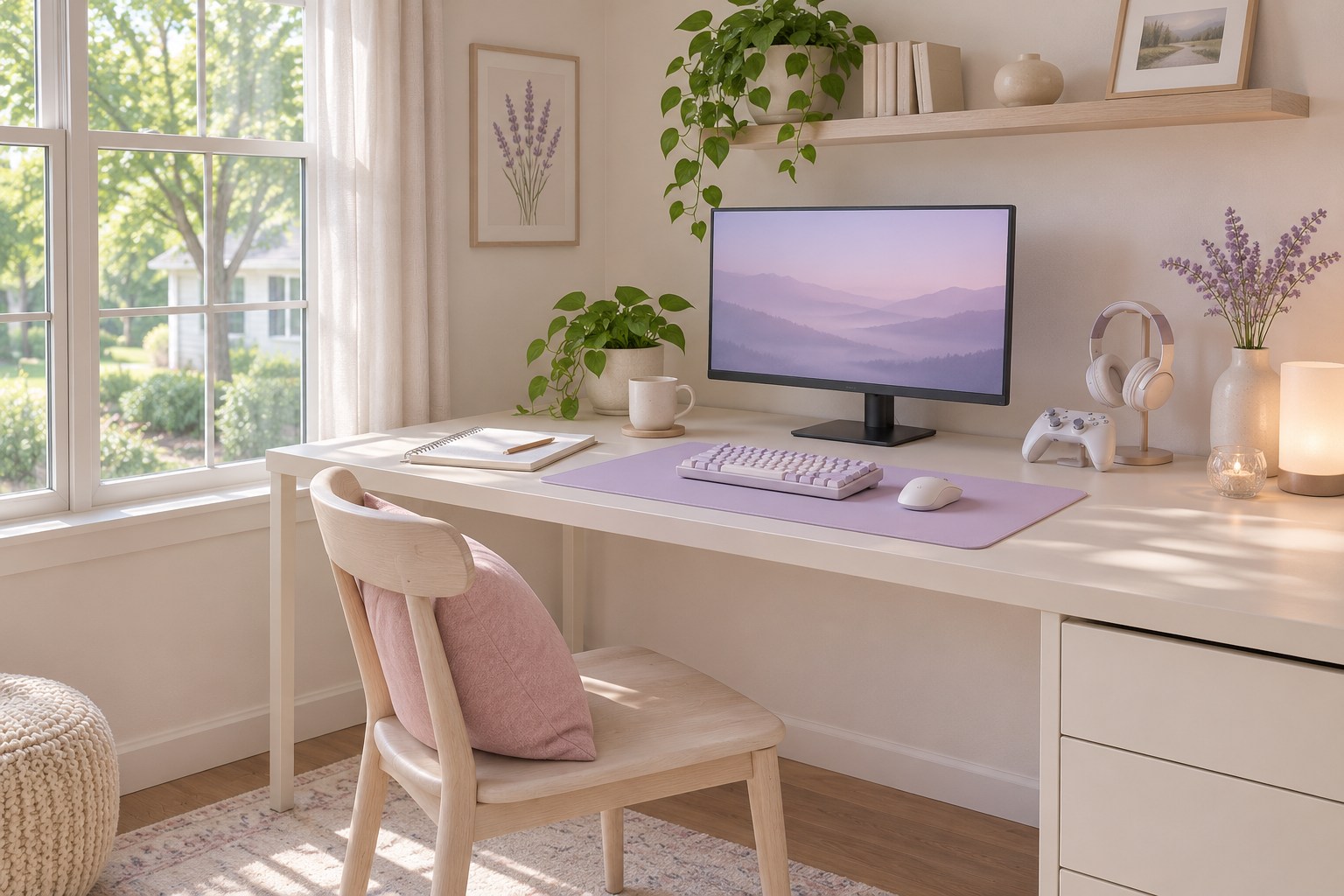
In a room that doubles as a study, let the furniture do most of the work. Put a small lavender mat or a dusty pink cushion against an ivory desk and a pale wood floor. Choose one part of the setup to carry the color and keep the most visible equipment in a few familiar tones. The color will still show when the screens are off.
Check the desk’s everyday capacity before adding decorations. Leave a spot to open a notebook or set down a drink outside the keyboard area. If the accent color reads stronger under the desk lamp, use it on a smaller surface.
7. Keep the Console Shelf Open Where It Needs Air
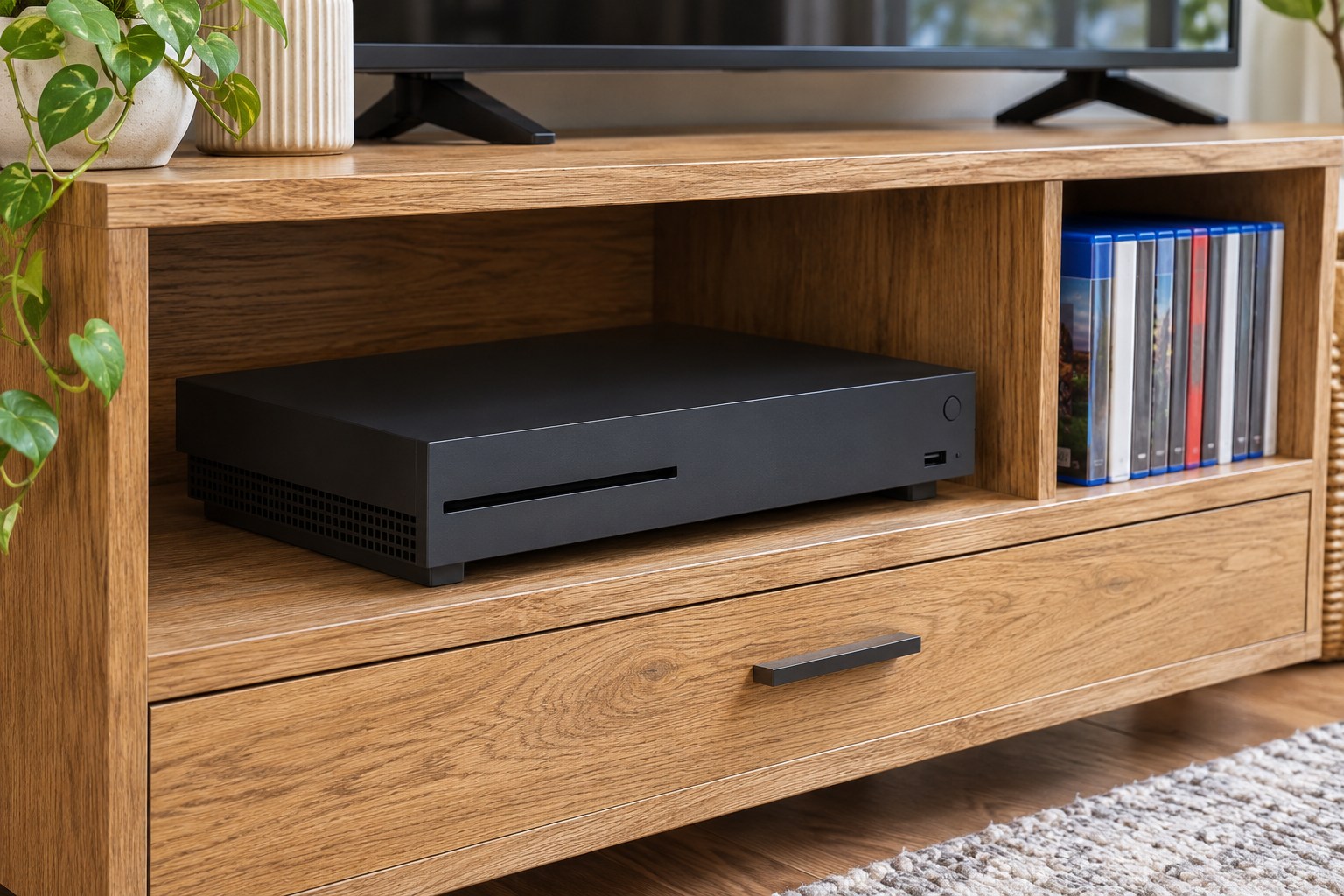
Put the console where you can reach its ports and controls without pulling it forward every time. Use the manufacturer’s directions for the correct position, clearances, and ventilation. An open shelf can work when the equipment has room on each specified side. Keep cases and fabric out of the way of its vents.
Test the media cabinet with the doors in their usual position. If the only available compartment closes tightly or holds other equipment close together, consider a more suitable shelf. Keep spare cases and accessories in a separate closed compartment. These hidden storage ideas can help you fit the things you want to put away.
8. Use Bias Light for a Soft Border Behind the Screen
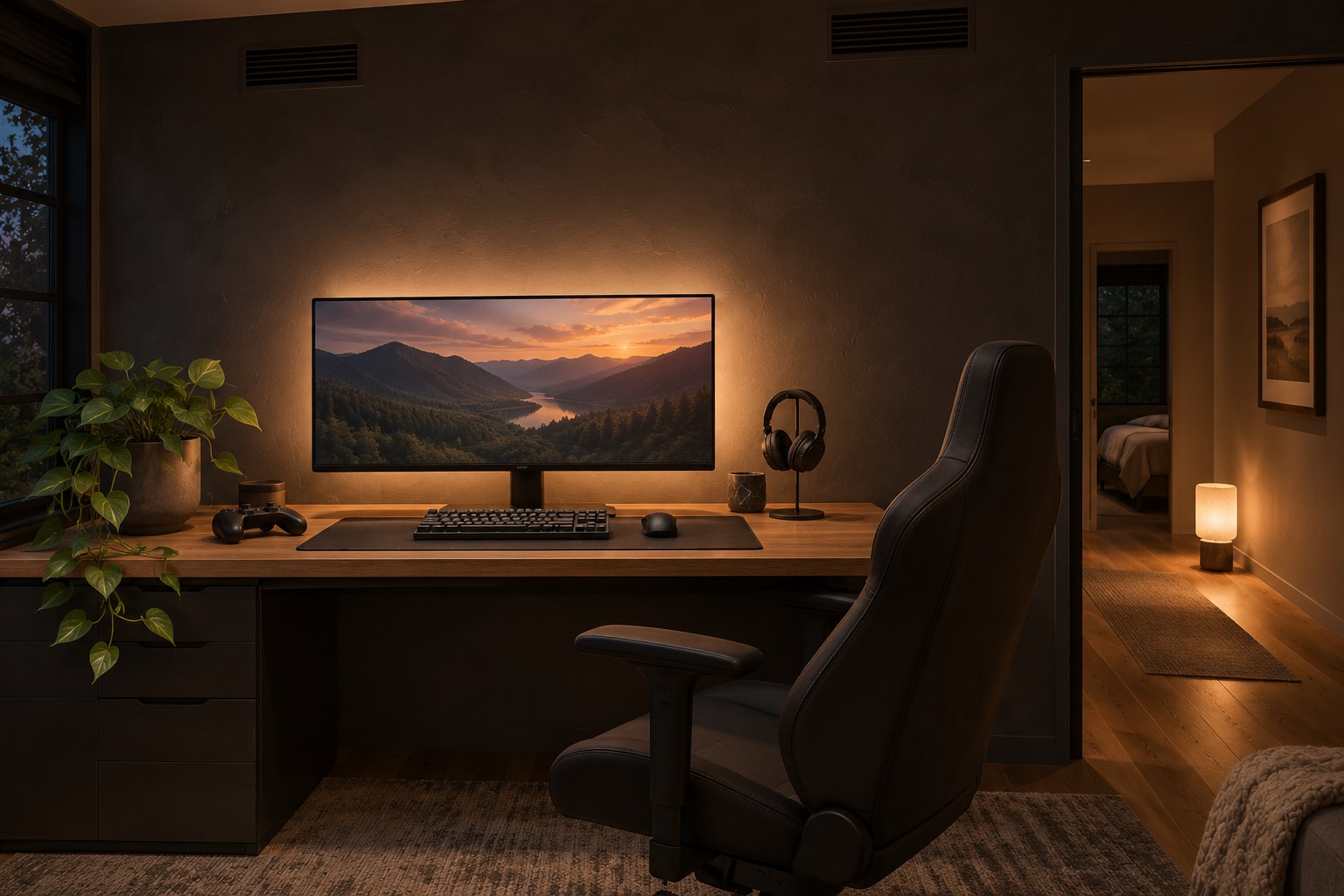
Try a soft light behind the screen when the rest of the room feels much darker than the display. Choose a product designed for its placement, and use the attachment and power method it specifies. Keep the actual light source outside your direct view and compare the result with the lights you normally use. A low steady setting can be enough.
Check that the light and any cord sit clear of ventilation openings and equipment access. Leave an independent light for reading or getting up. If a colorful setting changes how the screen looks to you, try a softer neutral setting.
9. Share a Family Gaming Room With a Clear Place for Controls
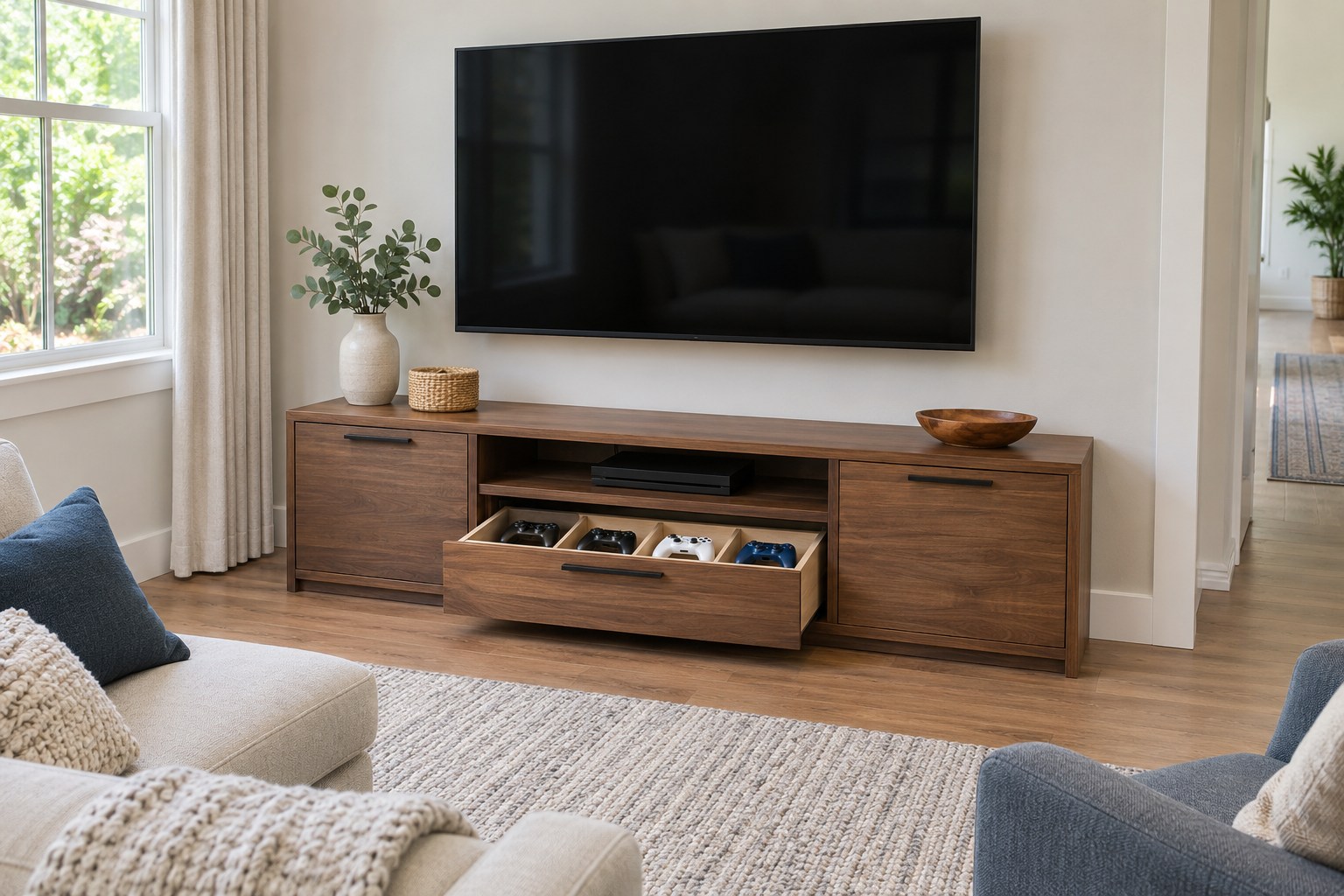
Choose a stable low cabinet or a reachable drawer for the equipment everyone is allowed to use. Assign a place for each controller and keep the battery or charging supplies in an appropriate adult-managed spot. A case or shallow tray can help the pieces go back together. Test whether someone can get what they need without reaching near the television.
Use furniture designed for the TV, and mount or anchor the TV and cabinet according to their instructions. Keep cords and equipment out of children’s reach where needed. Leave room for someone to pass behind the seats while the game is on.
10. Set Up a Bedroom Gaming Nook That Packs Away at Night
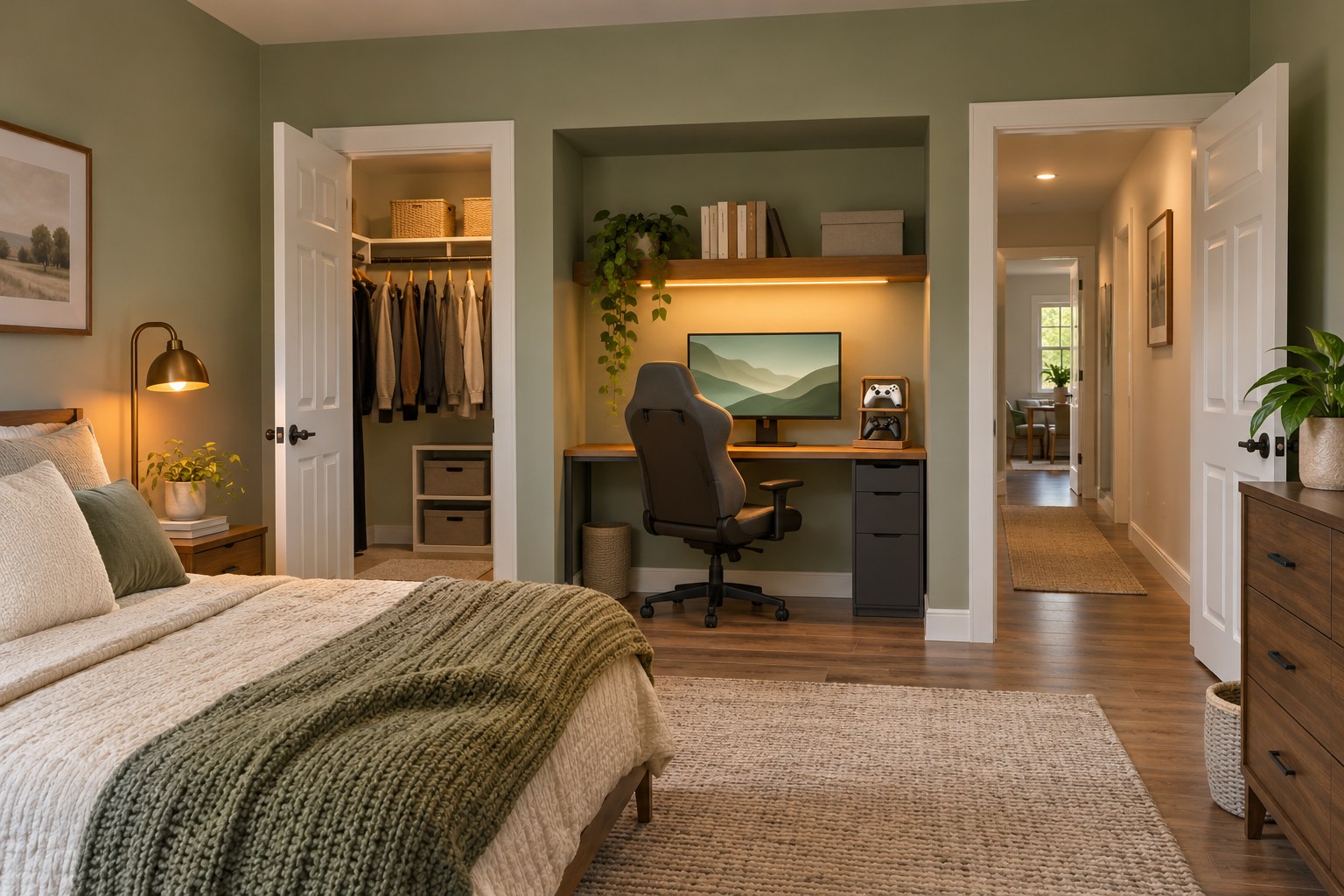
Choose a desk corner where you can leave the bed and closet fully usable. Put the keyboard, controller, and headset in places you can reach during play. When you finish, shut the equipment down as directed and return the small pieces to a tray or drawer. A shared bedroom feels quieter when the active part of the setup fits inside one corner.
Turn the chair toward the room and check how far it travels before it reaches the bed. Leave a route wide enough for the people who use the room. Use a light you can switch off without going around the desk.
11. Give Two Players Independent Desk Space
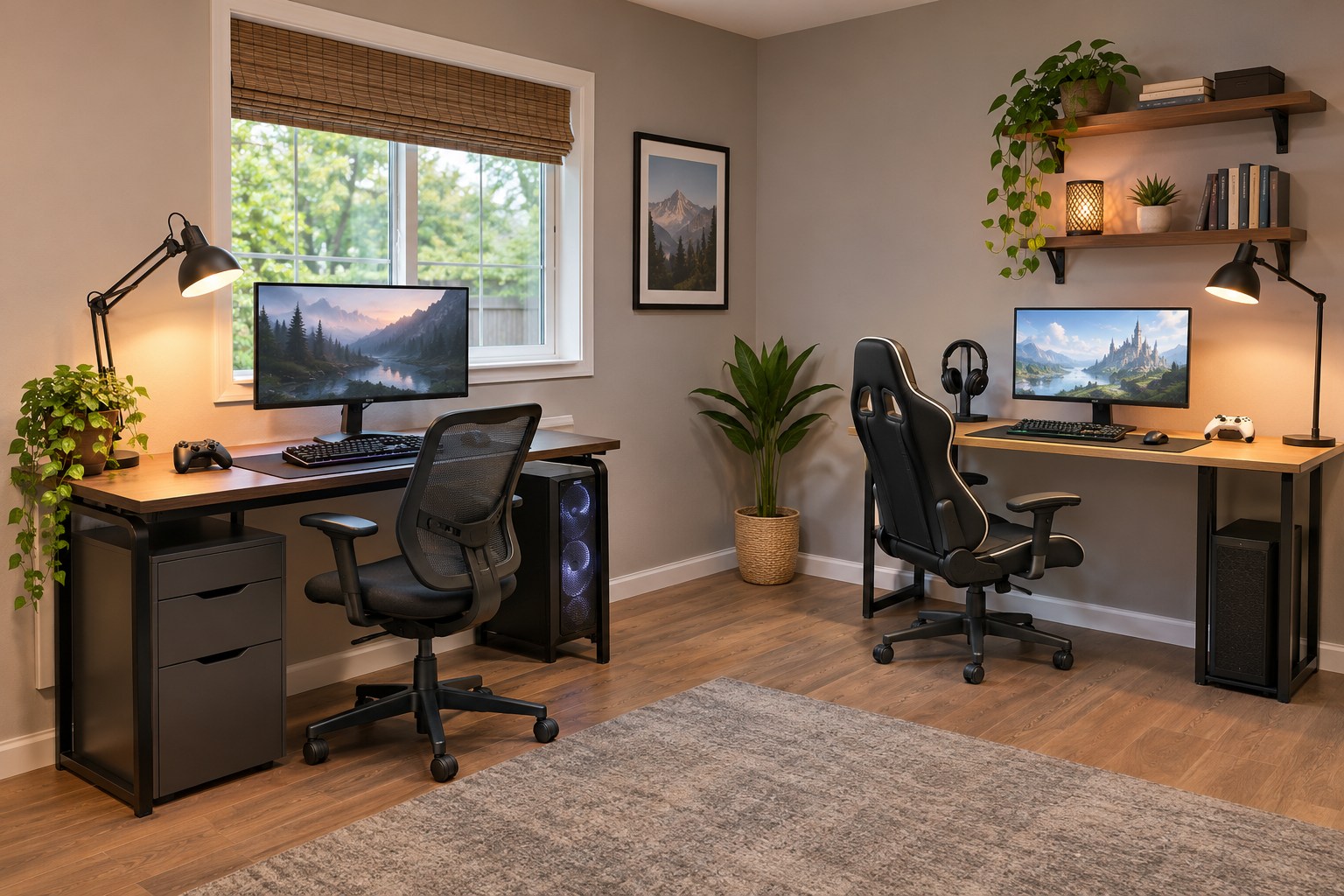
Put two chairs where the players can roll or pull back without bumping. If a shared desk is already in place, mark the width each person uses for the monitor, keyboard, and arms. Put a small shared piece in the middle only if both sides still have enough room. A pair of desks on different walls can work when the long wall is too short.
Make sure each player can reach the equipment and control their own task light. Avoid running cords through the middle of the room. A nearby shelf can hold common accessories if both people can reach it easily.
12. Use a Mat or Rug to Define a Lounge Setup
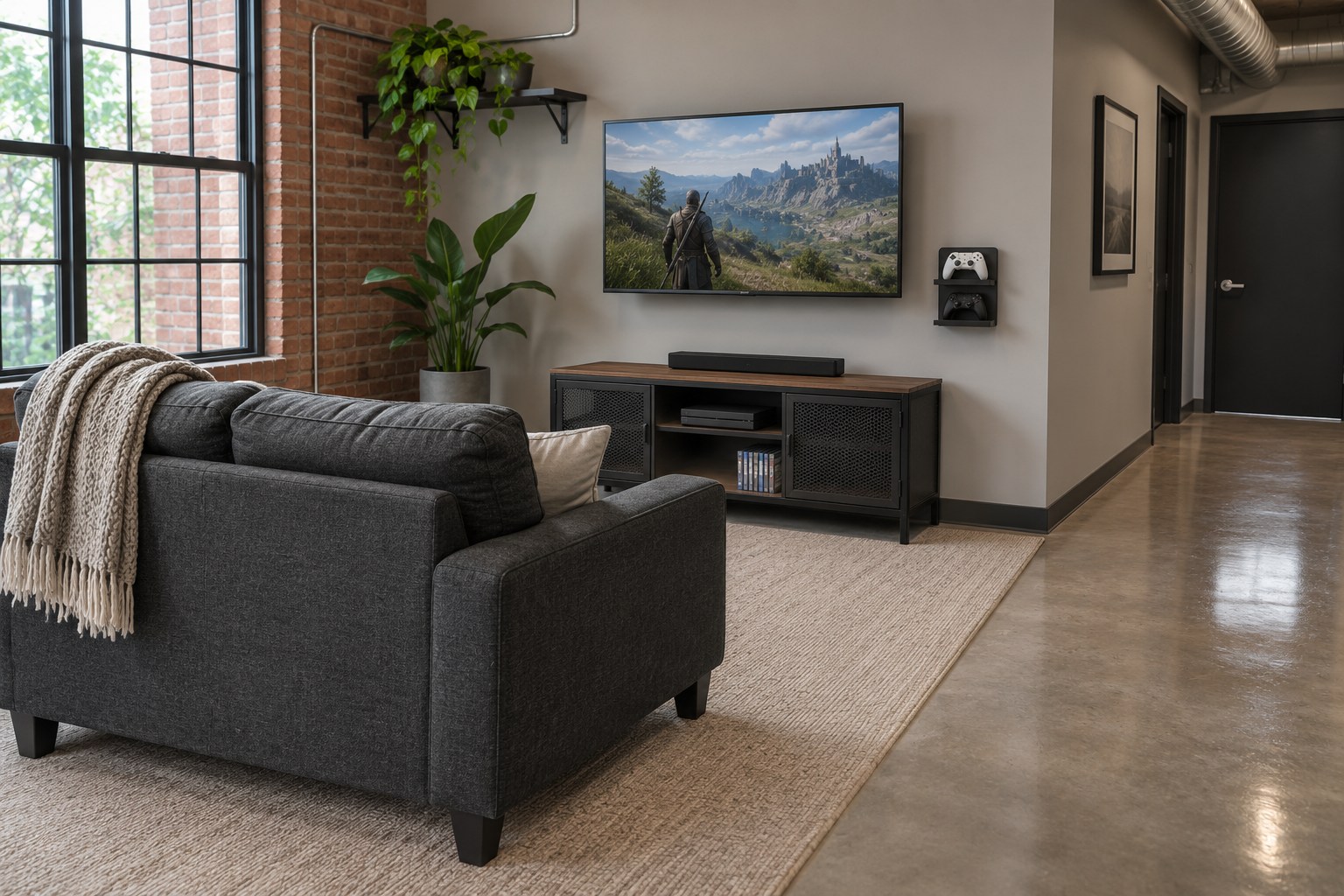
A compact lounge can share space with the rest of the living room when the seating has a clear boundary. Choose a rug that reaches the main seats without crossing the open route from the door. Check the view with a footstool pulled in front of the sofa. If you often stand during play, leave an open part of the floor beside the main seating.
Choose a rug and pad suited to the floor and keep the edges flat. Route cables along an appropriate path away from the rug and feet. A plain design can let the room’s screen and furniture stay visually simple.
13. Build an Art Wall Off to the Side of the Screen
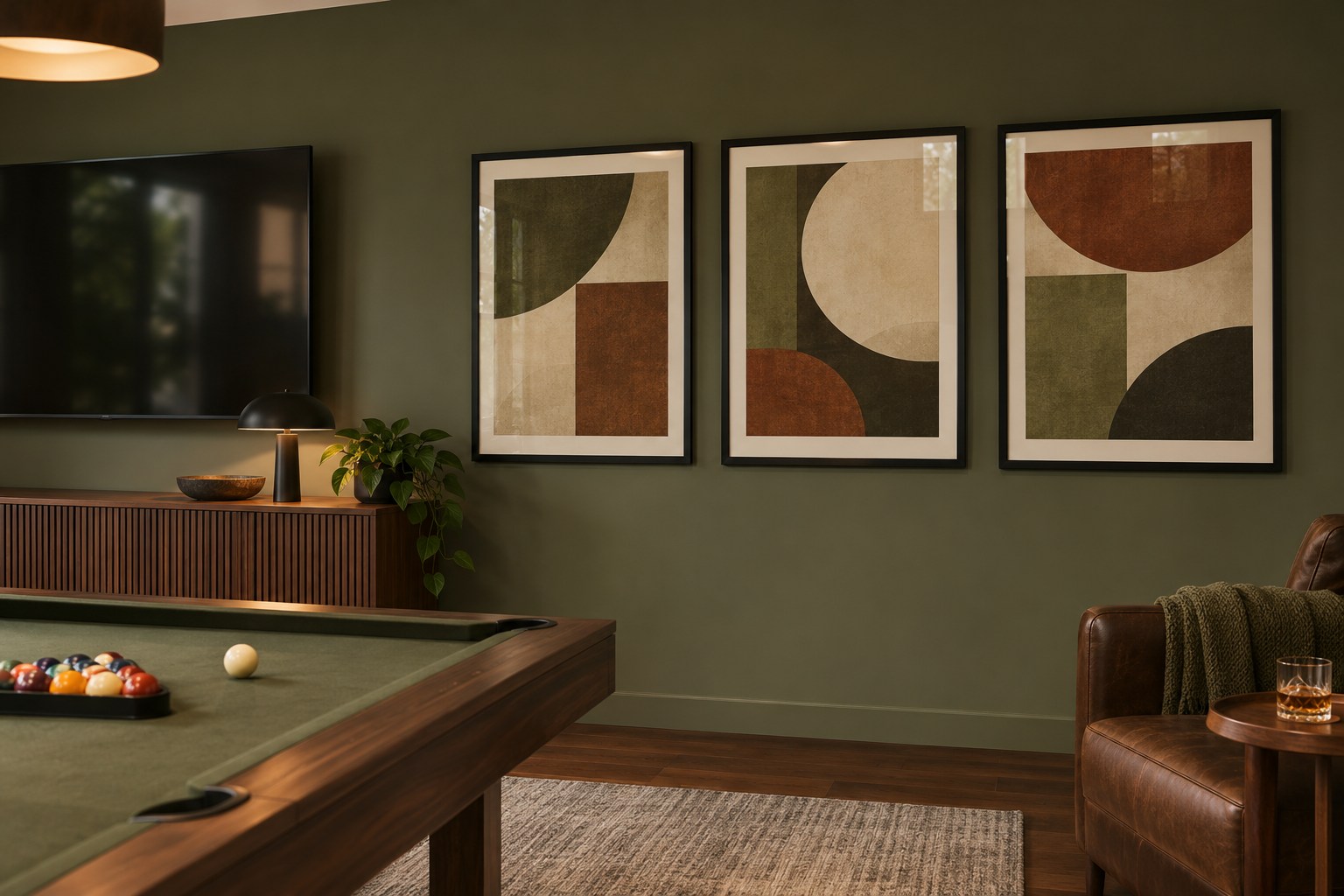
Hang a few small prints where you can see them before you sit down. A side wall can hold brighter colors or favorite game-inspired shapes without framing every edge of the display. Lay the artwork out on the floor first. Pick one frame color and let the prints themselves supply most of the contrast.
Use hardware suited to the frames and wall. Test where the lights reflect in the glass, especially when the screen is dark. Leave the area above the monitor open if you want fewer visual distractions while playing.
14. Put Retro Collectibles in a Small Accessible Group
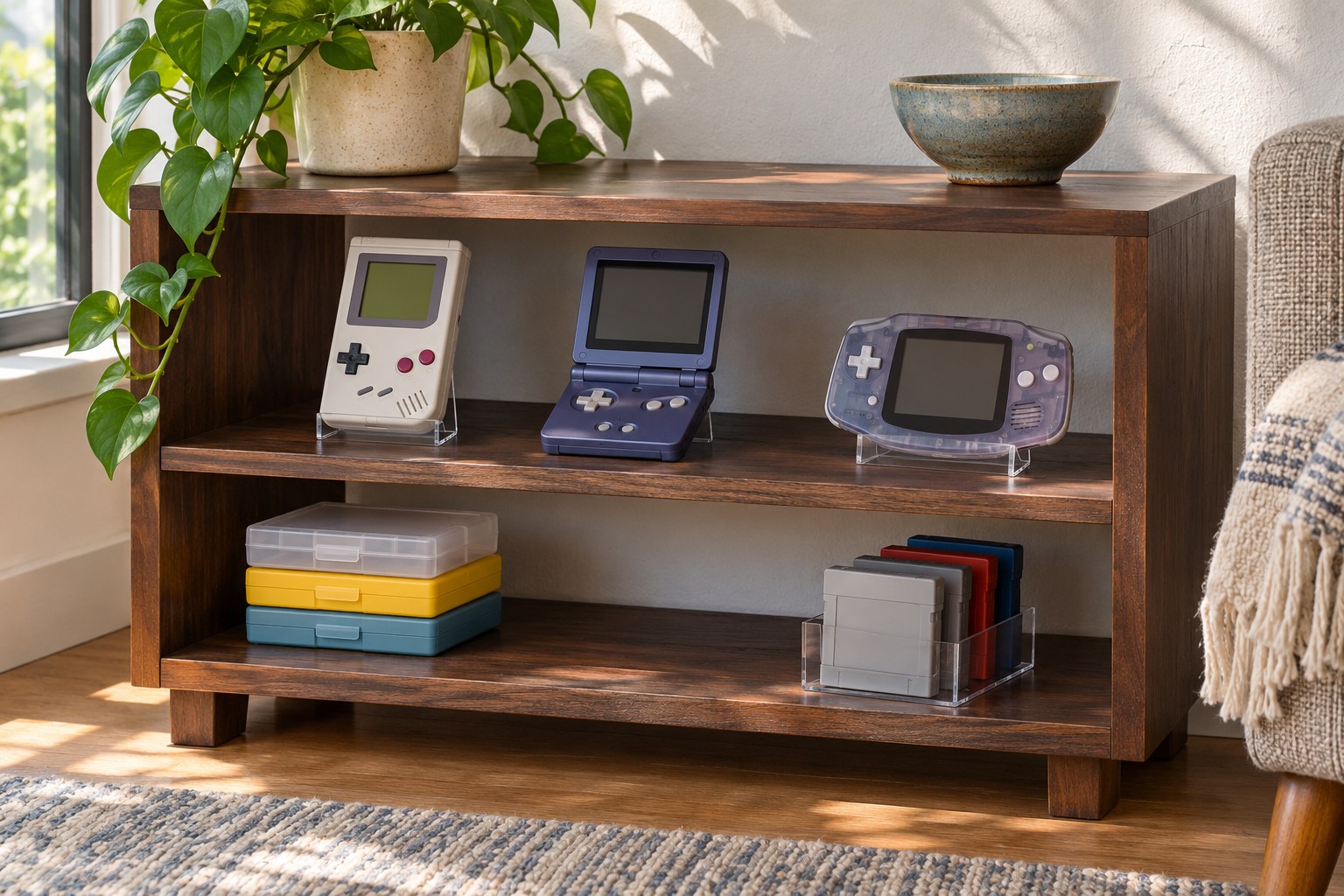
Choose one shelf for the older games, handhelds, or objects you like to see. Put the least fragile pieces on the side you reach for most, and leave enough space to lift each item. Keep spare packaging or cables in a drawer away from the display. A shallow group makes it easier to see what you own and what can go back into storage.
Keep the display away from direct sun if the items are sensitive to it and follow their storage instructions. Avoid placing tempting collectibles above a TV or heavy unit where children could climb to reach them.
15. Make a Cozy Game Setup With Warm Woods and Soft Green
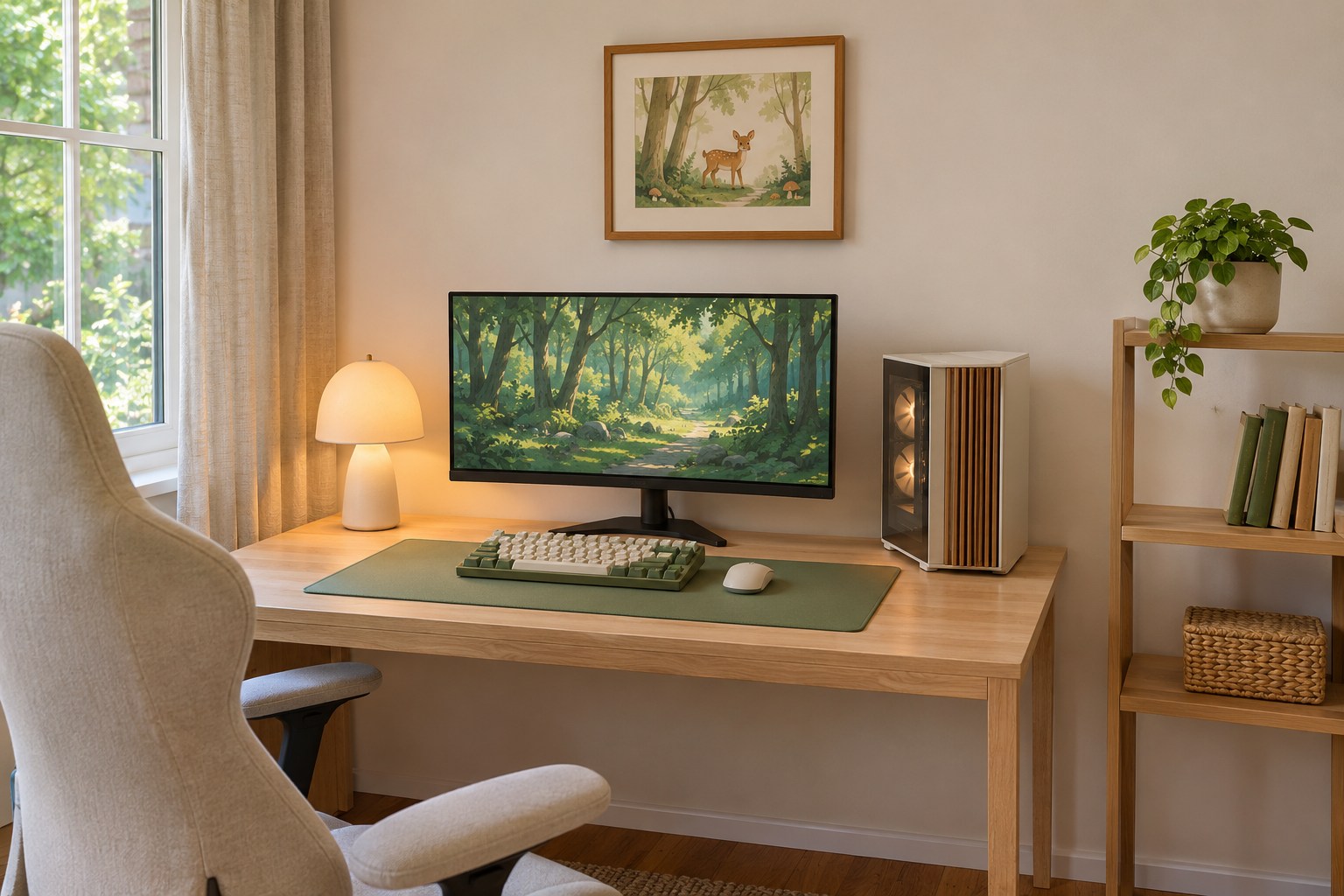
Use a muted fern green or warm cream on one accessory, then put a wood piece nearby to ground it. A soft green desk mat, a light wood shelf, and a small framed illustration can suggest a cozy game world while keeping the desk useful. Compare the effect with the monitor on and off. The room should still look comfortable in daylight.
Pick one spot for decoration so your arms and keyboard have room. A tray or small lamp can carry the color when there is too little wall space for art. Put a plant on a separate suitable surface clear of the equipment.
16. Give the Gaming Desk a Second Mode for Work
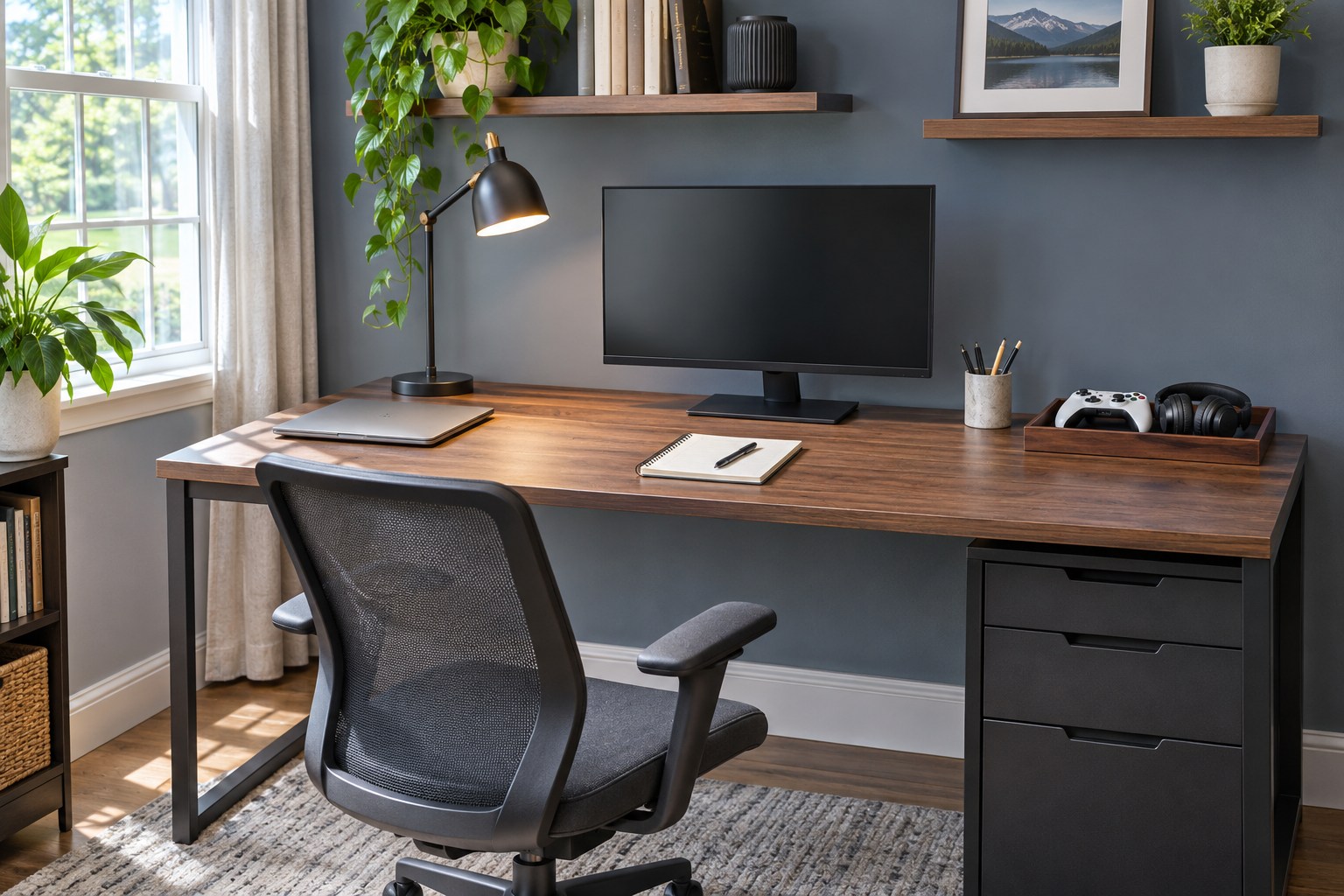
If the same surface holds a laptop and a gaming setup, separate the tools you use at different times. Keep the laptop connection accessible and put gaming accessories in one place within reach. Move one accessory to make room for a notebook rather than clearing the whole desk. Test that your usual chair and screen position work in both modes.
Use a small tray or divider before buying another desk. If both sets of equipment live out permanently, group what you need on each side. These home office organization ideas show more ways to keep the work surface usable.
17. Try One Neon Color Before Adding More
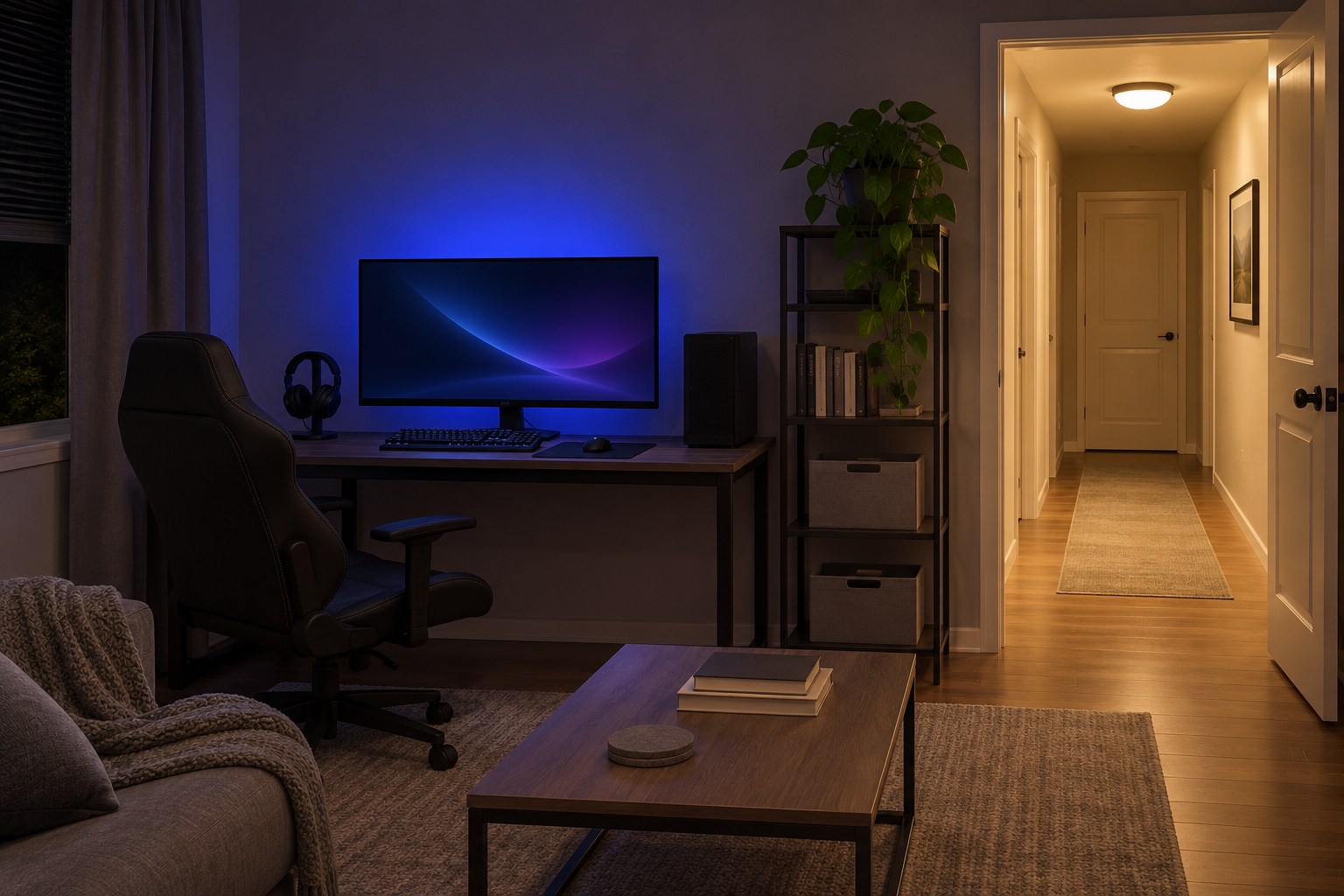
Choose a single color for a wall wash or enclosed fixture and test it at the lowest useful setting. A blue edge behind the desk can give a compact room a clear nighttime look. Turn the screen on and see how the colors feel together. If the light overwhelms the game, keep it farther from the display or use it at a quieter level.
Choose a fixture designed for the location and follow its installation directions. Keep the rest of the room easy to see. A plain wall lets the light do the decorative work and leaves fewer pieces to move if you want to try another color.
18. Set Up a Small Theater Seat Without Filling the Room
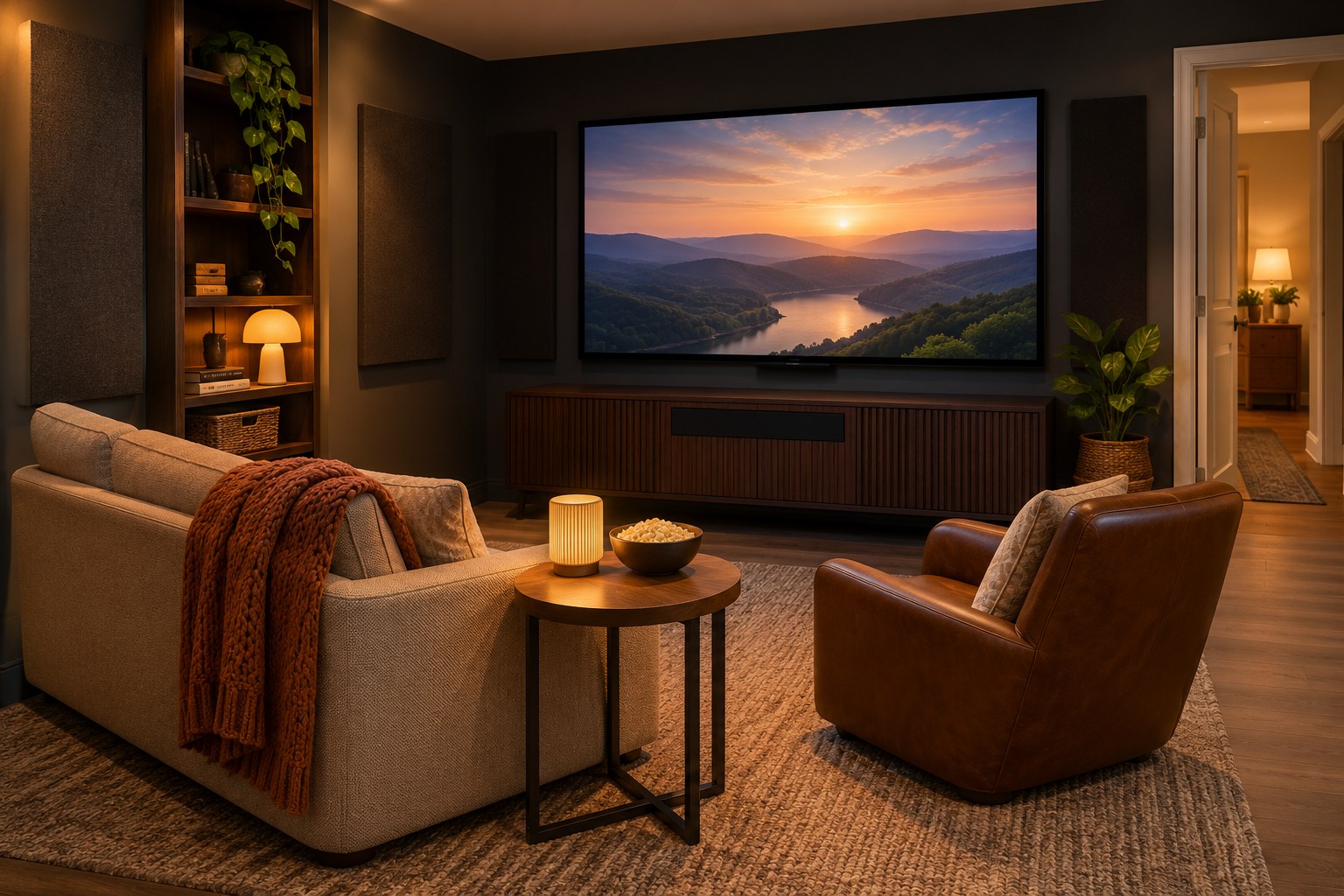
Try the seat you already own at the distance where you can follow the picture and comfortably see the whole screen. If you add a second chair, angle it slightly toward the main seat so people can talk between games. Leave one shared side surface for a drink or controller. A footrest that tucks away can make a small room flexible.
Check the route in low light and keep a light within reach. Use only a mount or stand designed for the television and secure it as directed. Test the arrangement for games, movies, and conversations before committing to bulkier seating.
19. Use a Painted Shape to Mark the Game Zone
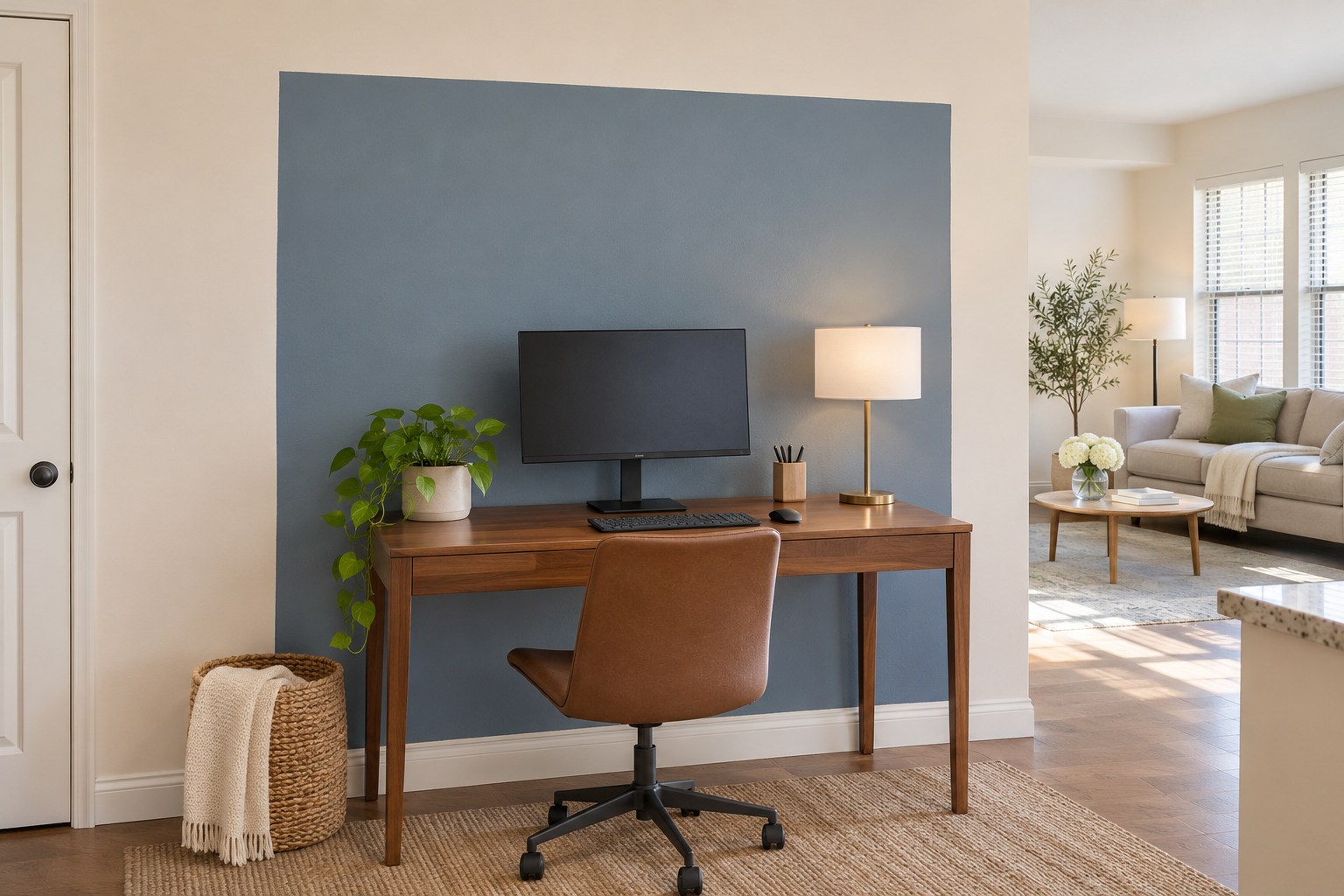
Try a painted rectangle or a broad band when the game desk occupies one side of a larger room. Size the shape around the furniture so a little wall color remains visible. Use paper or tape as a temporary outline and check how it looks with the chair in its usual position. A soft warm gray or muted blue can make the corner feel intentional when the equipment is off.
Check permission before painting a rental. Test the color under the lighting you normally use. If you prefer a reversible change, one large framed print on the side wall can mark the same zone without taking up work space.
20. Upgrade the Part of the Setup You Use Most
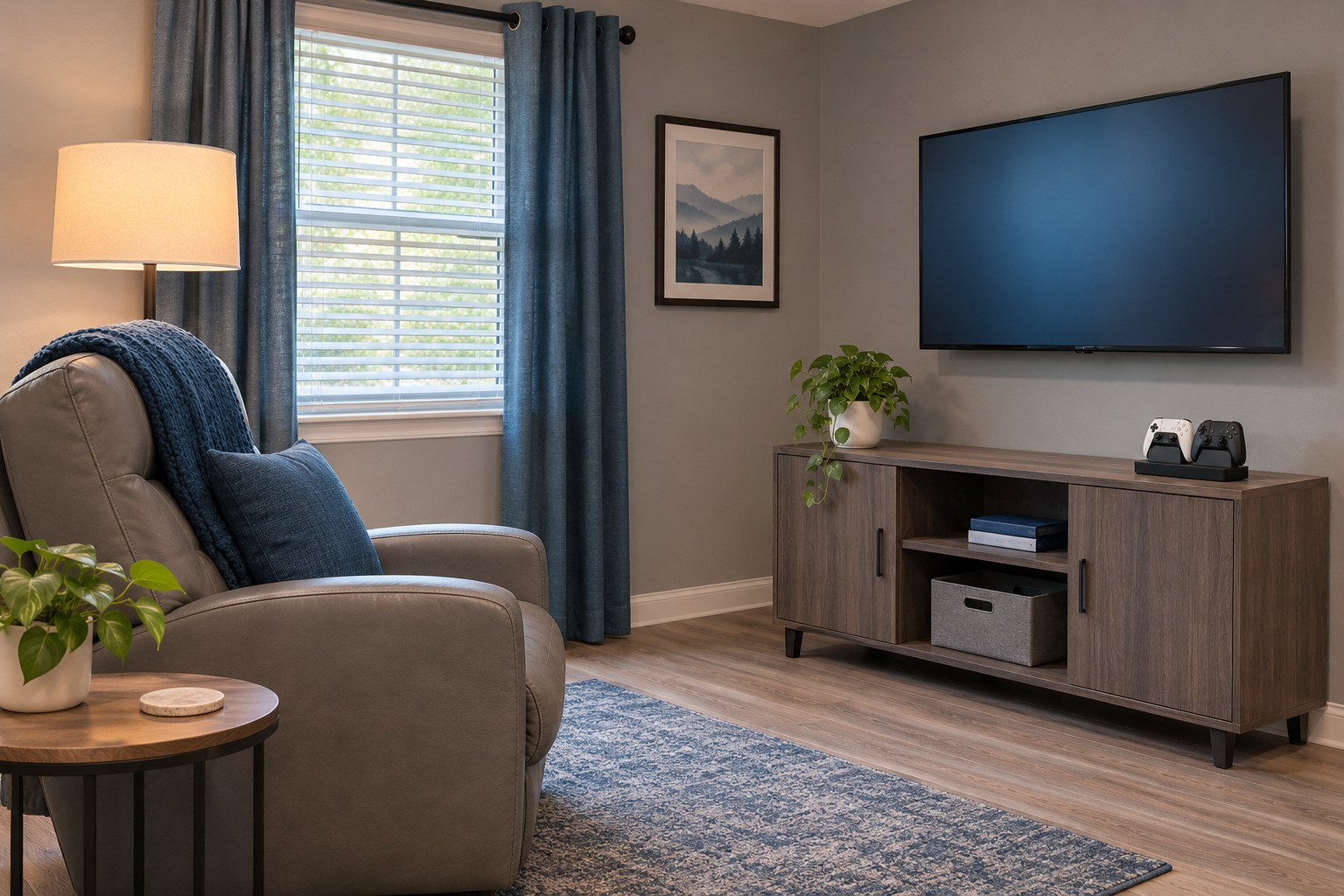
Choose the first change based on what gets in your way. If you keep searching for a controller, organize the desk. If everyone crowds around one corner of the sofa, change the seats before buying another decorative light. Try a few play sessions with the pieces you already have. Pay attention to the routes people use when the room is busy.
Put the next part of your budget into the change that improves how you play. A comfortable seat, clear screen position, or better work light can make the room feel finished with fewer objects. Save space for guests and for anything the room has to do between games.
Test the setup with a full game session and with the screens off. Keep the choices that improve how you play and give the room enough space for everything else you do there.
Discover more from HomeTrendora
Subscribe to get the latest posts sent to your email.